Connect Claude or ChatGPT to FlexiMembership. Use it to find and organize images. Upload one.
Before You Start
- Connect FlexiMembership to Claude (a Connector) or ChatGPT (a Plugin). Make sure it is authorized.
- Know the project to work in.
- For images, have an https link, or use the gallery.
- Start each request with “In FlexiMembership”.
Steps
1Image gallery and uploads
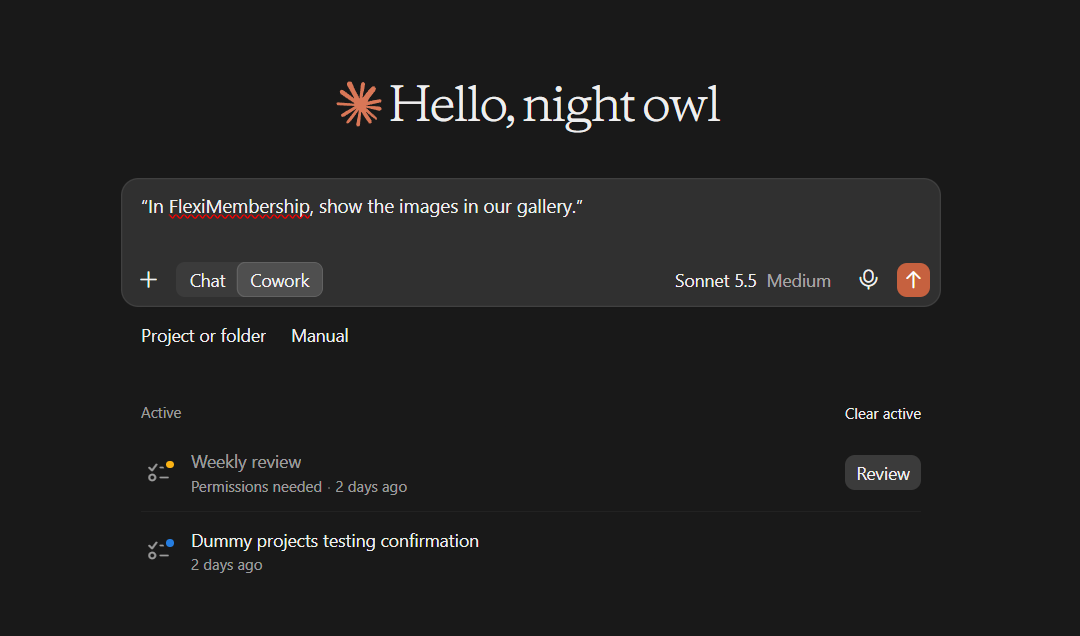
- Ask for your images. Use an image’s address exactly as shown. Never guess one.
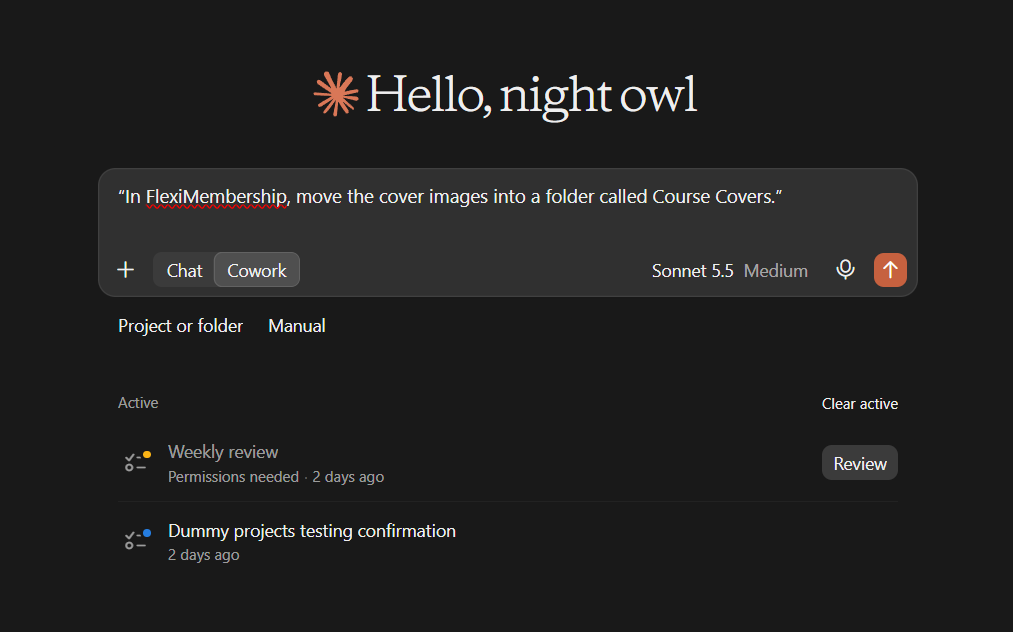
- Make folders, rename them, and move images in. An image sits in one folder.
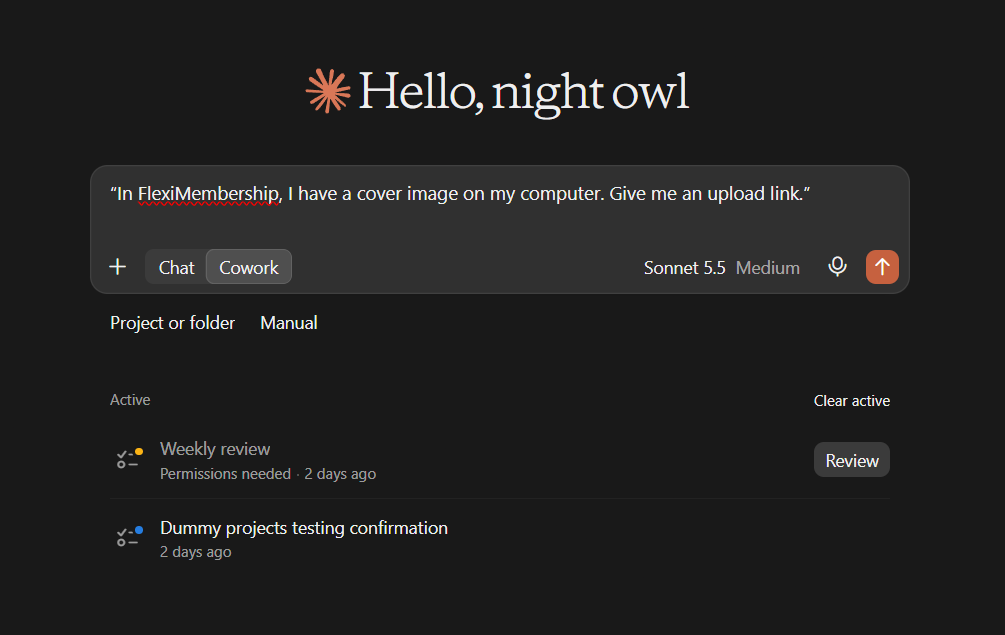
- Claude or Gemini: ask for an upload link. Upload your image there.
- Then ask the AI to collect it. The link lasts 30 minutes.
- ChatGPT: attach the image to the chat. The AI saves it to your gallery. Up to 5 MB.
Example prompt“In FlexiMembership, show the images in our gallery.”
Example prompt“In FlexiMembership, I have a cover image on my computer. Give me an upload link.”
Example prompt“In FlexiMembership, move the cover images into a folder called Course Covers.”
- Folders cannot be deleted through the AI.
Behind the Scenes: MCP Tools Involved
| Task | Related MCP tool(s) |
|---|---|
| List gallery images and folders | list_image_gallery |
| Make folders and move images | organize_image_gallery |
| Get an upload link for an image (Claude, Gemini) | request_image_upload |
| Save an attached image (ChatGPT) | upload_image_file |
Tips for Better Results
- Ask to see the current settings before you change them.
- Change one thing at a time.
- Name the project, and the product or course when it matters.
- Use an image’s address from the gallery. Do not guess.
- Read every preview. Some changes are live at once.
- After a change, ask the AI to show the setting again.
Quick Fixes
| Problem | Fix |
|---|---|
| My image will not upload. | Claude and Gemini use the upload link. Only ChatGPT can save an attached image. |
| The AI does not use FlexiMembership. | Check the connector or plugin is connected and authorized. Add “In FlexiMembership” to your prompt. |
Limitations
- Deleting a review, or an image folder, is not available through the AI.
- No undo is described. Read each preview before you confirm.
Explore the complete FlexiMembership MCP Tools Reference: View the documentation for a detailed explanation of available MCP tools, their functionality, and how to use them.
Still have questions? We’re happy to help.
Submit a Support Ticket
Was this article helpful?
That’s Great!
Thank you for your feedback
Sorry! We couldn't be helpful
Thank you for your feedback
Feedback sent
We appreciate your effort and will try to fix the article