Connect Claude or ChatGPT to FlexiMembership. Use it to show who teaches.
Before You Start
- Connect FlexiMembership to Claude (a Connector) or ChatGPT (a Plugin). Make sure it is authorized.
- Know the project to work in.
- For images, have an https link, or use the gallery.
- Start each request with “In FlexiMembership”.
Steps
1Instructor profiles
- An instructor profile is a public card: name, short bio, optional photo, place and social links.
- It is not a login. It does not let anyone post.
- Posting needs a member with the Instructor role.
- You can switch a profile off. It is hidden but not deleted.
- A place must be one the AI finds in a venue search.
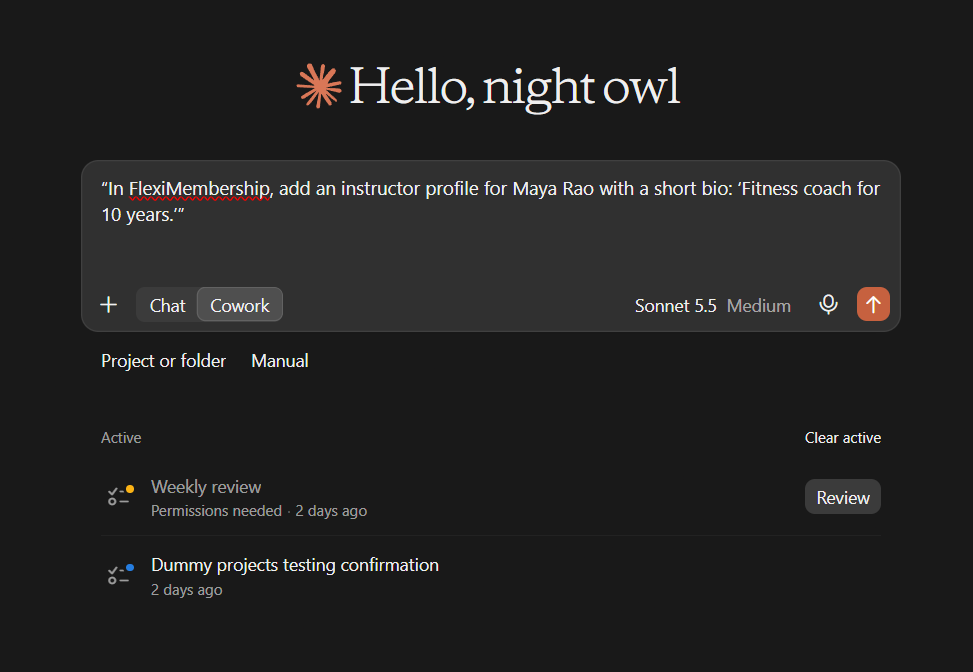
Example prompt“In FlexiMembership, add an instructor profile for Maya Rao with a short bio: ‘Fitness coach for 10 years.’”
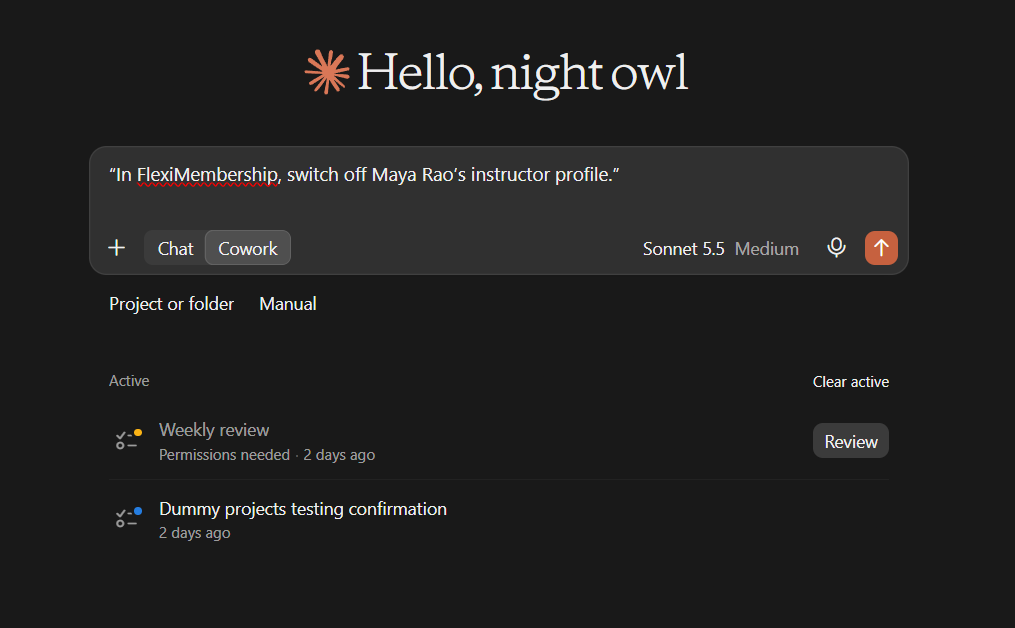
Example prompt“In FlexiMembership, switch off Maya Rao’s instructor profile.”
Behind the Scenes: MCP Tools Involved
| Task | Related MCP tool(s) |
|---|---|
| Add an instructor profile | add_instructor |
| List instructor profiles | list_instructors |
| Edit an instructor profile | update_instructor |
| Switch an instructor profile on or off | set_instructor_active |
Ready-to-Use Prompts
- “In FlexiMembership, add an instructor profile for Maya Rao with a short bio.”
Tips for Better Results
- Ask to see the current settings before you change them.
- Change one thing at a time.
- Name the project, and the product or course when it matters.
- Use an image’s address from the gallery. Do not guess.
- Read every preview. Some changes are live at once.
- After a change, ask the AI to show the setting again.
Quick Fixes
| Problem | Fix |
|---|---|
| The AI does not use FlexiMembership. | Check the connector or plugin is connected and authorized. Add “In FlexiMembership” to your prompt. |
Limitations
- Instructor profiles are public cards, not logins.
- No undo is described. Read each preview before you
Explore the complete FlexiMembership MCP Tools Reference: View the documentation for a detailed explanation of available MCP tools, their functionality, and how to use them.
Was this article helpful?
That’s Great!
Thank you for your feedback
Sorry! We couldn't be helpful
Thank you for your feedback
Feedback sent
We appreciate your effort and will try to fix the article