Connect Claude or ChatGPT to FlexiMembership. Use it to limit devices. Show or hide small features.
Before You Start
- Connect FlexiMembership to Claude (a Connector) or ChatGPT (a Plugin). Make sure it is authorized.
- Know the project to work in.
- Start each request with “In FlexiMembership”.
Steps
1Login security and feature switches
- Devices: allow 1, 2, 3, 5 or unlimited at the same time.
- Advanced protection: a member over the limit is emailed to log out.
- A second time blocks their account until an admin unblocks it.
- Feature switches: Free/Paid badge, star rating, lesson Discussion tab and members count.
- Also the subscription expiry pop-up and a login support button.
- A login support button needs a text (3–48 characters) and a link.
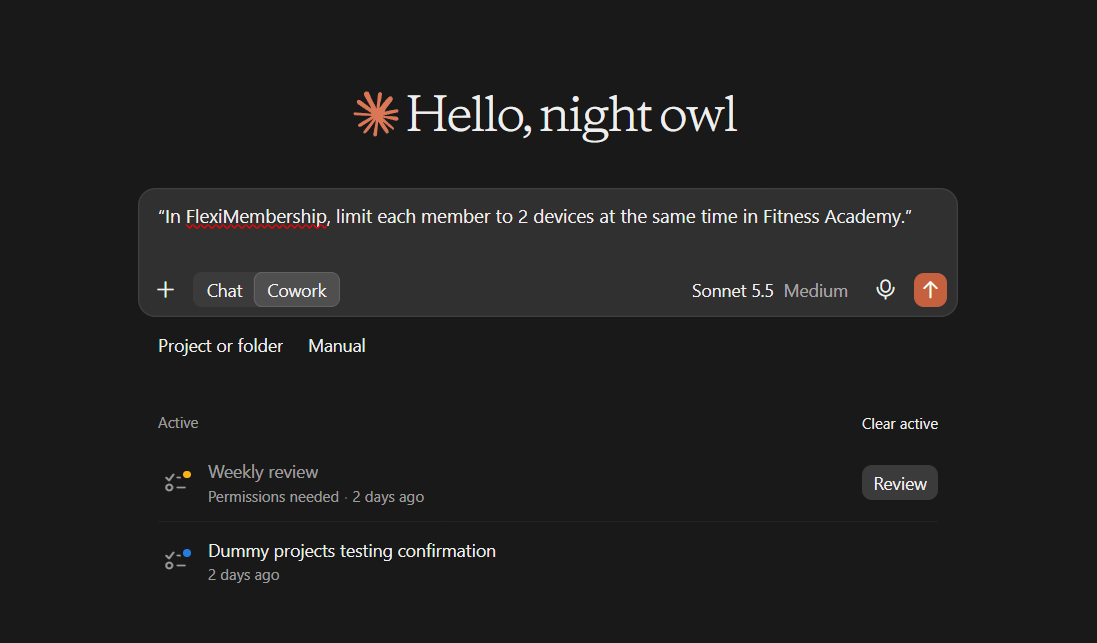
Example prompt“In FlexiMembership, limit each member to 2 devices at the same time in Fitness Academy.”
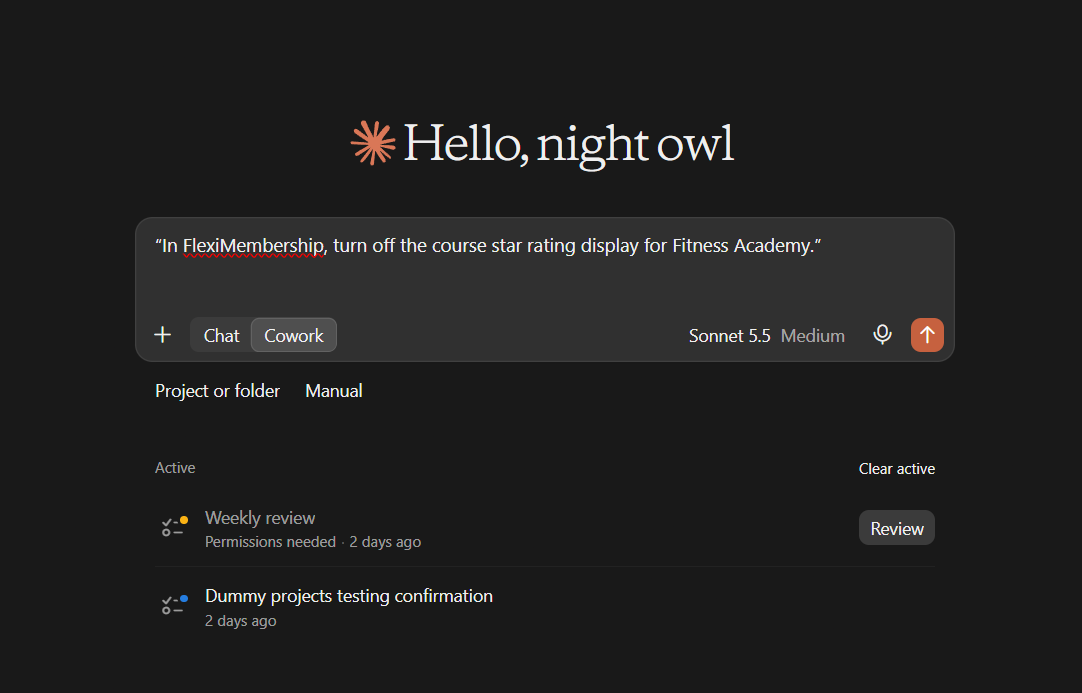
Example prompt“In FlexiMembership, turn off the course star rating display for Fitness Academy.”
Be careful: securityAdvanced protection can block members. The default member password cannot be changed here. Use the dashboard.
Behind the Scenes: MCP Tools Involved
| Task | Related MCP tool(s) |
|---|---|
| See address, brand, footer, security and layout | get_membership_settings |
| See feature switches | get_feature_settings |
| Change feature switches | update_feature_settings |
| Change device limits and protection | update_security_settings |
Tips for Better Results
- Ask to see the current settings before you change them.
- Change one thing at a time.
- Name the project, and the product or course when it matters.
- Read every preview. Some changes are live at once.
- After a change, ask the AI to show the setting again.
Quick Fixes
| Problem | Fix |
|---|---|
| A member was blocked. | Advanced protection blocks a member who goes over the device limit twice. An admin unblocks them in the dashboard. |
| The AI does not use FlexiMembership. | Check the connector or plugin is connected and authorized. Add “In FlexiMembership” to your prompt. |
Limitations
- The default member password cannot be changed through the AI.
- No undo is described. Read each preview before you confirm.
Was this article helpful?
That’s Great!
Thank you for your feedback
Sorry! We couldn't be helpful
Thank you for your feedback
Feedback sent
We appreciate your effort and will try to fix the article