Connect Claude or ChatGPT to FlexiMembership. Then choose how people get into your community, and change the price later.
Think of the price type as the door ? to your community. You pick the lock when you build it.
| Price type | Set when you create it | Change later with the AI |
|---|---|---|
| Free | Yes | Yes. Switch free or paid. |
| One-time paid | Yes | Yes. Change price, currency and gateways. |
| Subscription | Yes | No. Use the FlexiMembership dashboard. |
| Level-based | Yes | Not described. |
| Pay-your-own-price | Not offered | No. Use the dashboard. |
Be careful: pricingPrices are money. Read every preview. Check the amount, currency, gateway and billing type before you confirm. All prices here are only examples.
Quick Video:
Before You Start
- Connect FlexiMembership to Claude (a Connector) or ChatGPT (a Plugin). Make sure it is authorized.
- Connect your payment gateways in the dashboard first. The AI cannot connect them.
- Decide the price type, the amount and the currency.
- Prepare a support email or help link. Free and paid communities need one.
- For a subscription, decide how often to bill.
- For a level-based community, create your levels first. See Article 11.
- Start each request with “In FlexiMembership”.
Steps
1See what you can choose
- Ask for the community options. This only reads. Nothing changes.
- The AI lists your price types and who can join.
- It lists your connected gateways and the currencies each one takes.
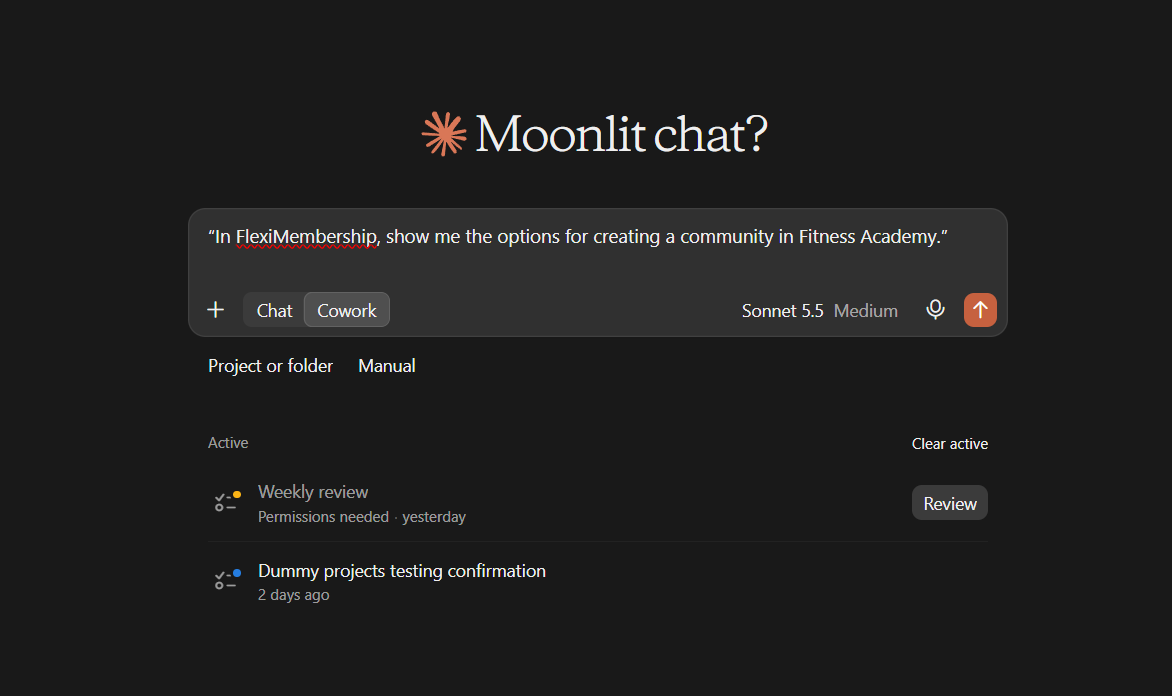
Example prompt“In FlexiMembership, show me the options for creating a community in Fitness Academy.”
2Create a free community
- Ask for a free community. Give a support email or link.
- Read the preview. Confirm it.
- The community also gets a free product with its own sales and checkout pages.
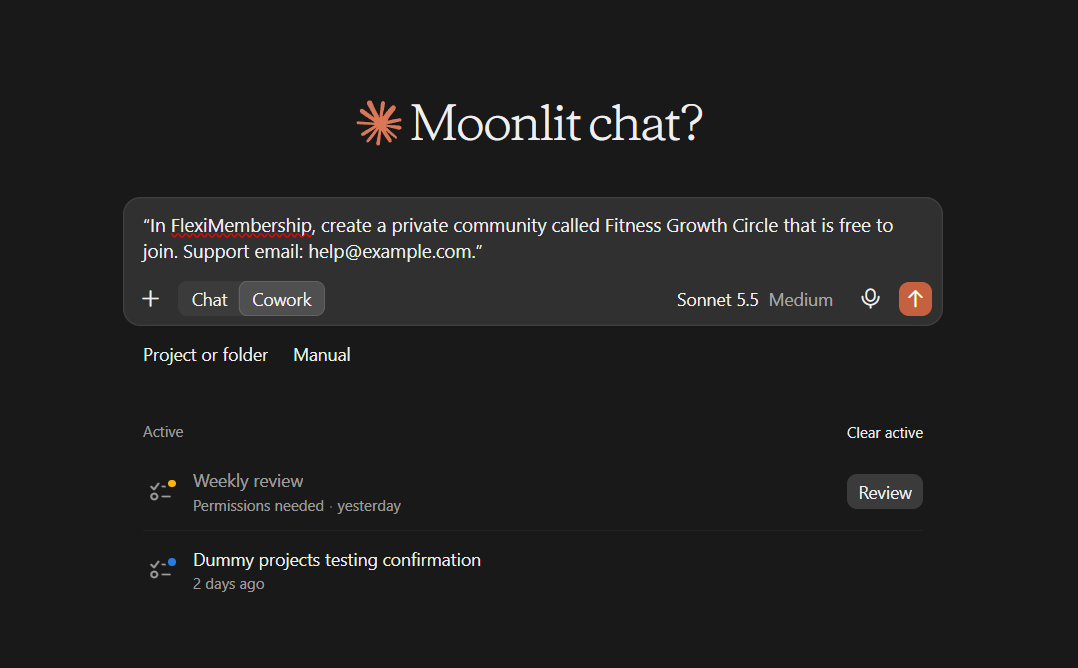
Example prompt“In FlexiMembership, create a private community called Fitness Growth Circle that is free to join. Support email: help@example.com.”
3Create a one-time paid community
- Give the price, the currency and the gateway.
- The AI shows only gateways that take your currency.
- A paid community defaults to buyers and members you grant.
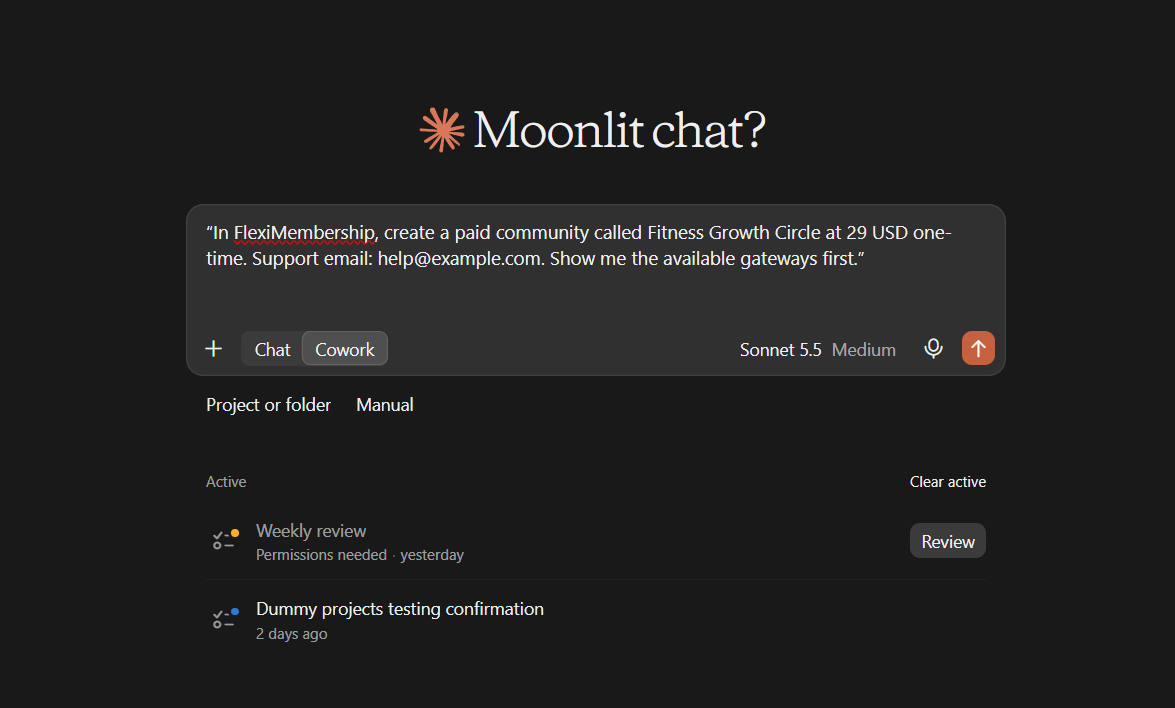
Example prompt“In FlexiMembership, create a paid community called Fitness Growth Circle at 29 USD one-time. Support email: help@example.com. Show me the available gateways first.”
Be careful: amountCheck the amount and the currency in the preview. This sets what buyers pay.
4Create a subscription community
- Ask for a subscription. Say how often to bill.
- The price is charged every time.
- Without a number of payments, billing runs until the member cancels.
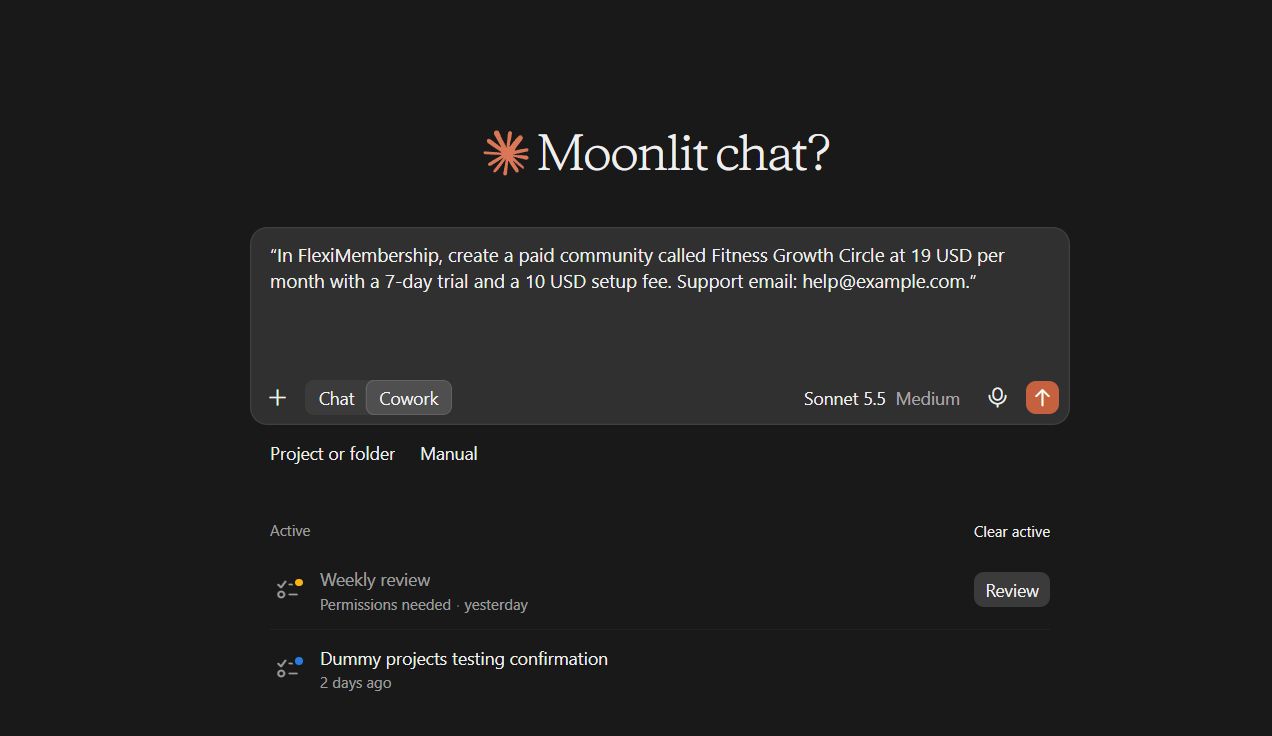
Example prompt“In FlexiMembership, create a paid community called Fitness Growth Circle at 19 USD per month with a 7-day trial and a 10 USD setup fee. Support email: help@example.com.”
| Option | What you can set |
|---|---|
| Billing | Weekly, monthly, quarterly, every 6 months or yearly |
| Number of payments | 2 to 100, then billing stops. Not with Paddle. |
| Free trial | Up to 365 days. Up to 730 days if only Stripe is used. |
| Setup fee | Up to 99,999, charged with the first payment. Not with Cashfree. |
Be careful: repeat chargesA subscription charges again and again. Check the billing time, the trial and the setup fee in the preview.
5Create a level-based community
- Members get in when they reach a level you pick.
- Name the level. The AI checks it exists.
- A level-based community has no price, product or support link.
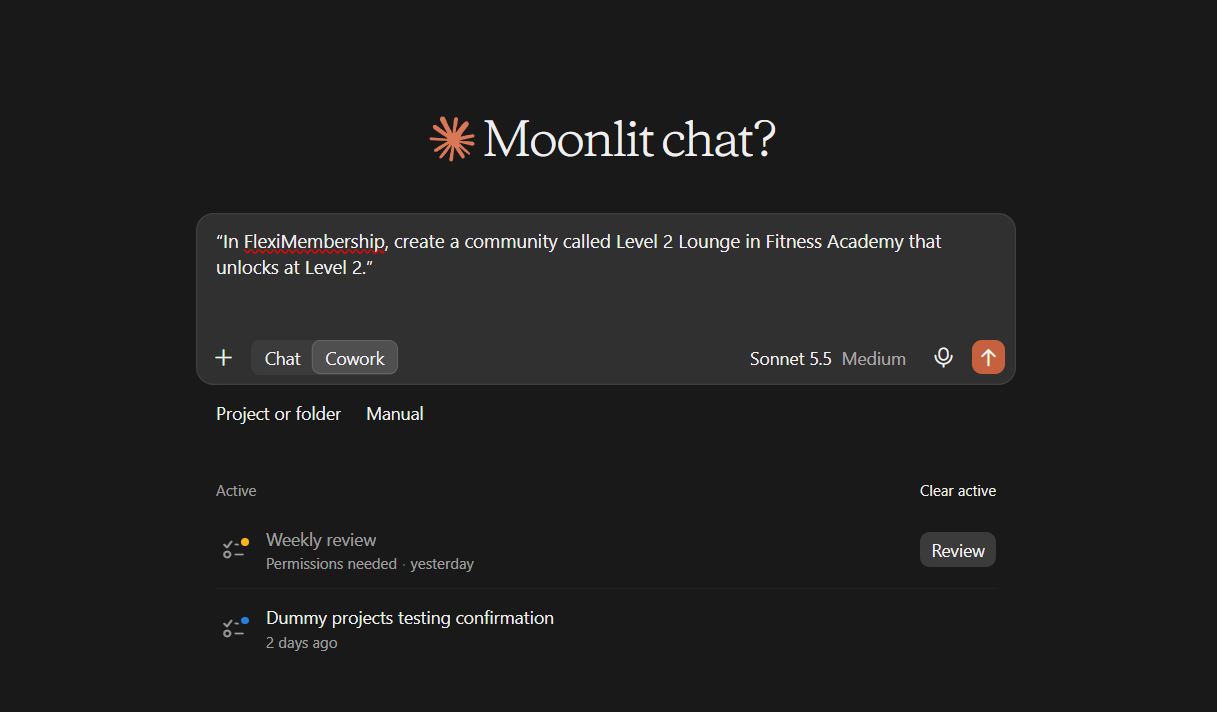
Example prompt“In FlexiMembership, create a community called Level 2 Lounge in Fitness Academy that unlocks at Level 2.”
6Change the price of a community
- This works on a community that already has its product.
- You can switch it free or paid.
- You can change a one-time price, the currency and the gateways.
- Anything you leave out stays as it is.
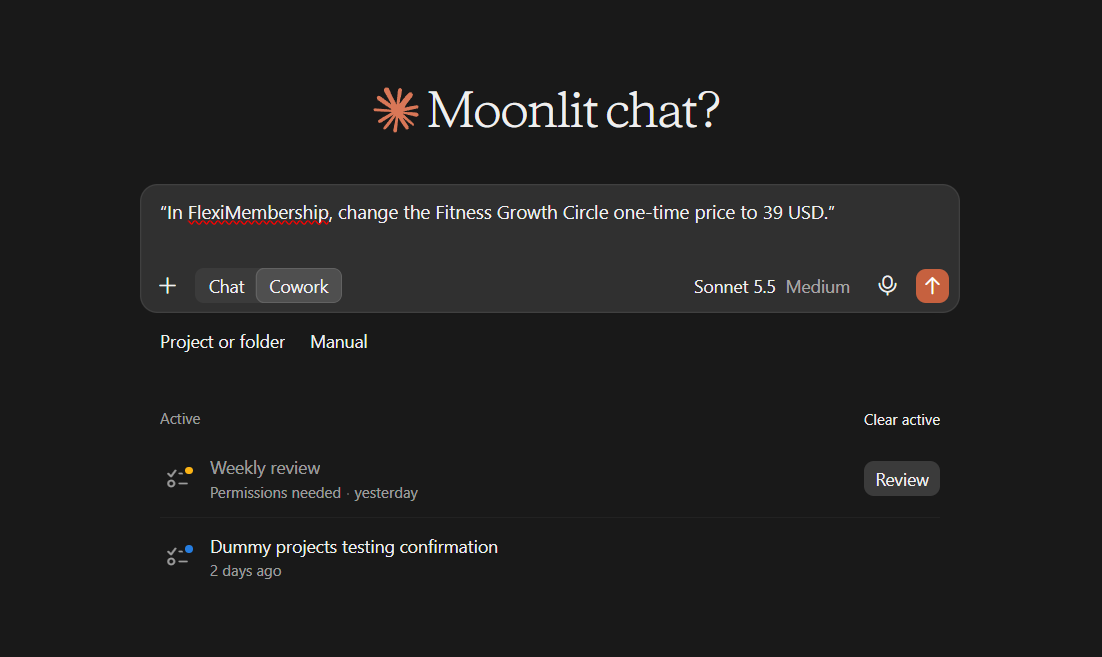
Example prompt“In FlexiMembership, change the Fitness Growth Circle one-time price to 39 USD.”
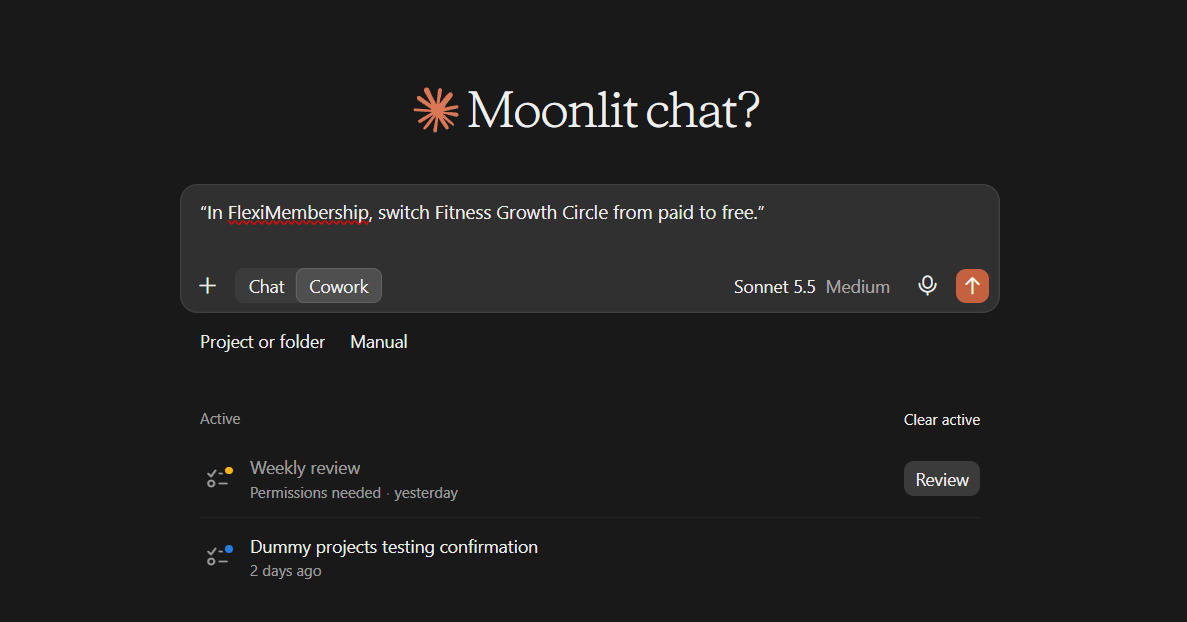
Example prompt“In FlexiMembership, switch Fitness Growth Circle from paid to free.”
- The sales page is republished with the new price.
- People who already have the community keep it.
Be careful: gatewaysA paid price needs at least one gateway switched on. Each gateway must take the currency. Subscription communities cannot be changed here.
7Check and publish
- Ask for the community details. You see its pricing and the products that sell it.
- If a page is not live, ask the AI to publish the community pages.
- Publishing works only for a community that has its product.
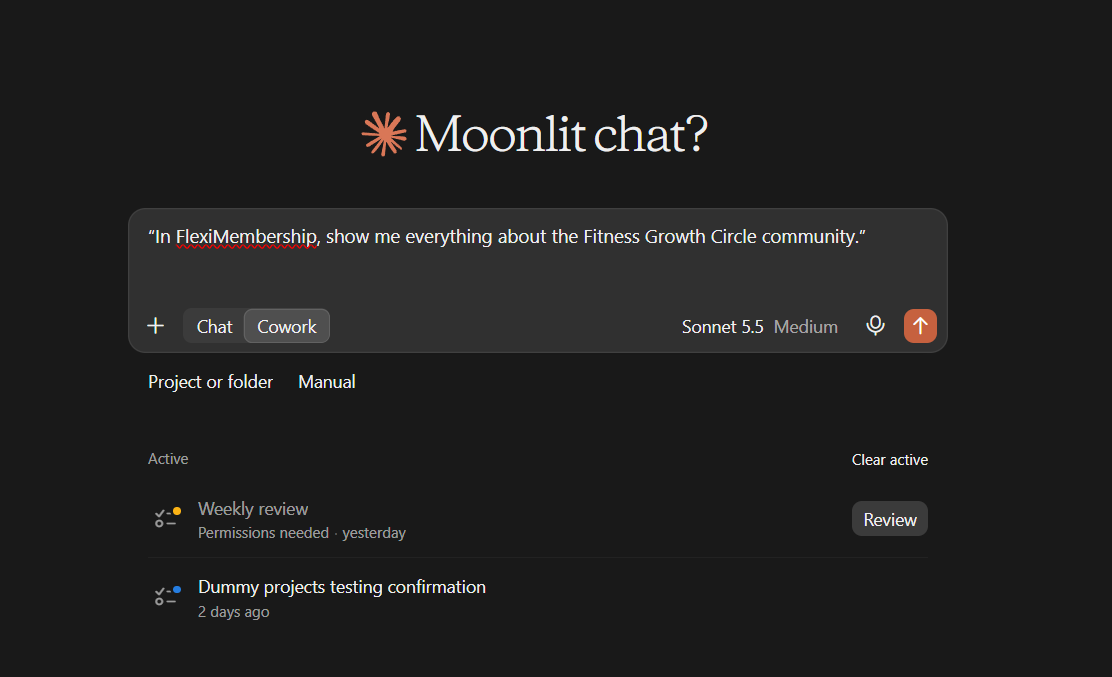
Example prompt“In FlexiMembership, show me everything about the Fitness Growth Circle community.”
Example prompt“In FlexiMembership, publish the sales and checkout pages for Fitness Growth Circle.”
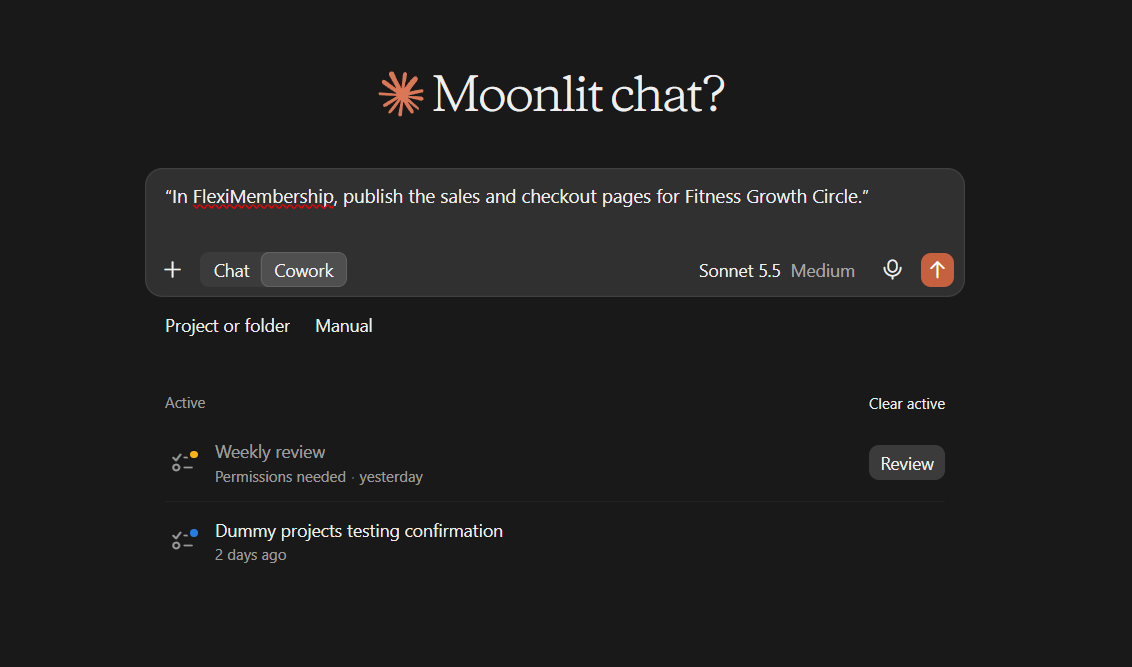
Be careful: publishingPublishing makes the pages visible to buyers. A new community is active the moment you create it.
Behind the Scenes: MCP Tools Involved
| Task | Related MCP tool(s) |
|---|---|
| See price types, gateways and currencies | get_group_setup_options |
| Create a free, paid, subscription or level-based community | create_group |
| Change a community’s free or paid status, one-time price, currency or gateways | update_group_price |
| View a community’s pricing and products | get_group |
| List your communities | list_groups |
| Publish sales and checkout pages | publish_group_pages |
Ready-to-Use Prompts
- “In FlexiMembership, create a private community called Fitness Growth Circle that is free to join. Support email: help@example.com.”
- “In FlexiMembership, create a paid community called Fitness Growth Circle at 29 USD one-time. Support email: help@example.com.”
- “In FlexiMembership, create a paid community called Fitness Growth Circle at 19 USD per month. Support email: help@example.com.”
- “In FlexiMembership, change the Fitness Growth Circle one-time price to 39 USD.”
- “In FlexiMembership, switch Fitness Growth Circle from paid to free.”
- “In FlexiMembership, show me everything about Fitness Growth Circle.”
Tips for Better Results
- Ask for the options first. Then you pick from what exists.
- Say the amount, the currency and the billing time in one sentence.
- Say “one-time” or “per month”. Do not make the AI guess.
- Read the preview. Look for the price and the gateway.
- Change one thing at a time.
- After a price change, ask the AI to show the community again.
Quick Fixes
| Problem | Fix |
|---|---|
| No gateway is listed. | Connect a gateway in the dashboard first. The AI cannot connect one. |
| My currency is refused. | The gateway must take that currency. Ask for the options and pick a listed one. |
| A subscription price change is refused. | Subscription communities are changed in the dashboard. |
| My option is refused. | Number of payments is not allowed with Paddle. A setup fee is not allowed with Cashfree. |
| The sales page shows the old price. | A price change republishes the page. If a page is not live, ask to publish it. |
| The AI does not use FlexiMembership. | Check the connector or plugin is connected and authorized. Add “In FlexiMembership” to your prompt. |
Limitations
- The AI cannot connect payment gateways.
- Price changes work only on a community that already has its product.
- The AI changes only a one-time price. Subscription, pay-your-own-price and free-trial communities are changed in the dashboard.
- Pay-your-own-price is not offered when you create a community.
- A course-linked community has no price of its own. See Article 3.
- How to change a level-based community later is not described.
- No undo is described. Read each preview before you confirm.
Explore the complete FlexiMembership MCP Tools Reference: View the documentation for a detailed explanation of available MCP tools, their functionality, and how to use them.
Was this article helpful?
That’s Great!
Thank you for your feedback
Sorry! We couldn't be helpful
Thank you for your feedback
Feedback sent
We appreciate your effort and will try to fix the article