Connect Claude or ChatGPT to FlexiMembership. Then add quizzes to lessons, and build timed mock tests from a shared question bank.
| Lesson quiz | Mock test | |
|---|---|---|
| Belongs to | One lesson | The whole project |
| Questions | Multiple choice only. One right answer. | Single, multiple, true or false, or number answers. Taken from a shared bank. |
| Rules | Pass mark, retakes, messages | Timer, pass mark, attempts, schedule, retests |
| Timing | An optional wait between retakes | A time limit and a schedule, in India time (IST) |
A question bank is like a box of question cards ?️. You pick cards for each test.
Before You Start
- Connect FlexiMembership to Claude (a Connector) or ChatGPT (a Plugin). Make sure it is authorized.
- Have a course with a lesson for the quiz. See Article 1.
- Write your questions, choices and right answers.
- Decide the pass mark and how many retakes to allow.
- Start each request with “In FlexiMembership”.
Quick Video
Steps
Part A: Lesson quizzes
1Add questions to a lesson quiz
- Name the lesson. Give the question and 2–10 choices.
- Say which choice is right. Count from 1.
- The question goes at the end of the quiz.
- A lesson with no questions gets a quiz this way.
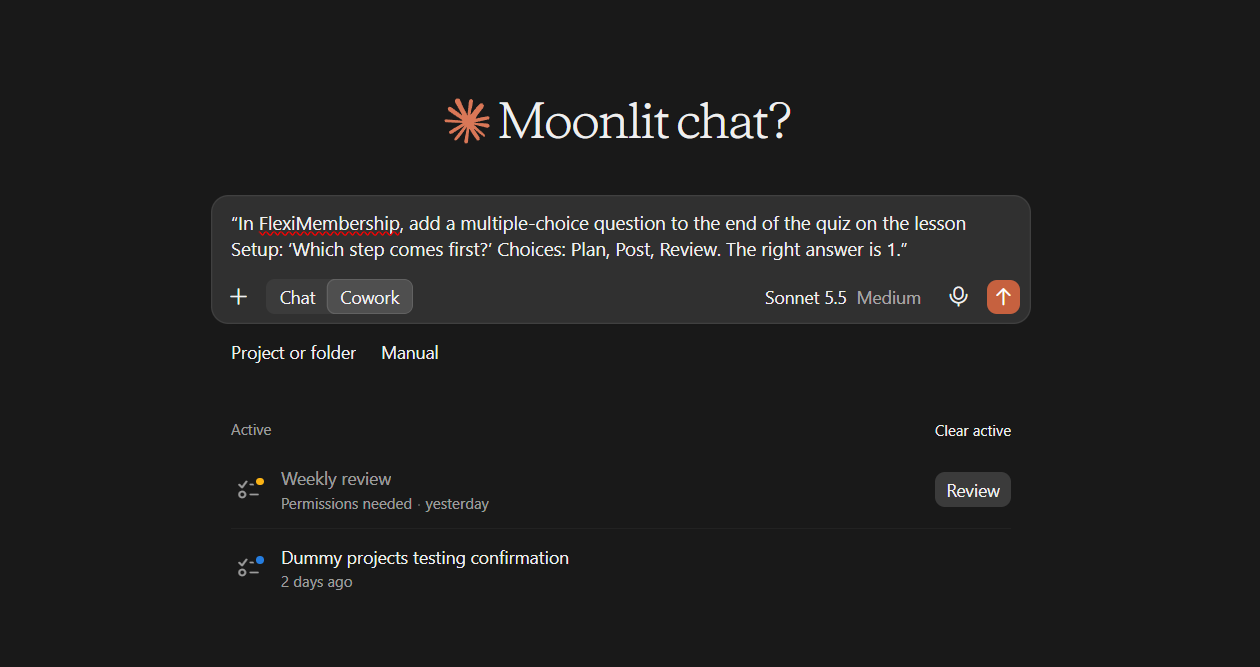
Example prompt“In FlexiMembership, add a multiple-choice question to the end of the quiz on the lesson Setup: ‘Which step comes first?’ Choices: Plan, Post, Review. The right answer is 1.”
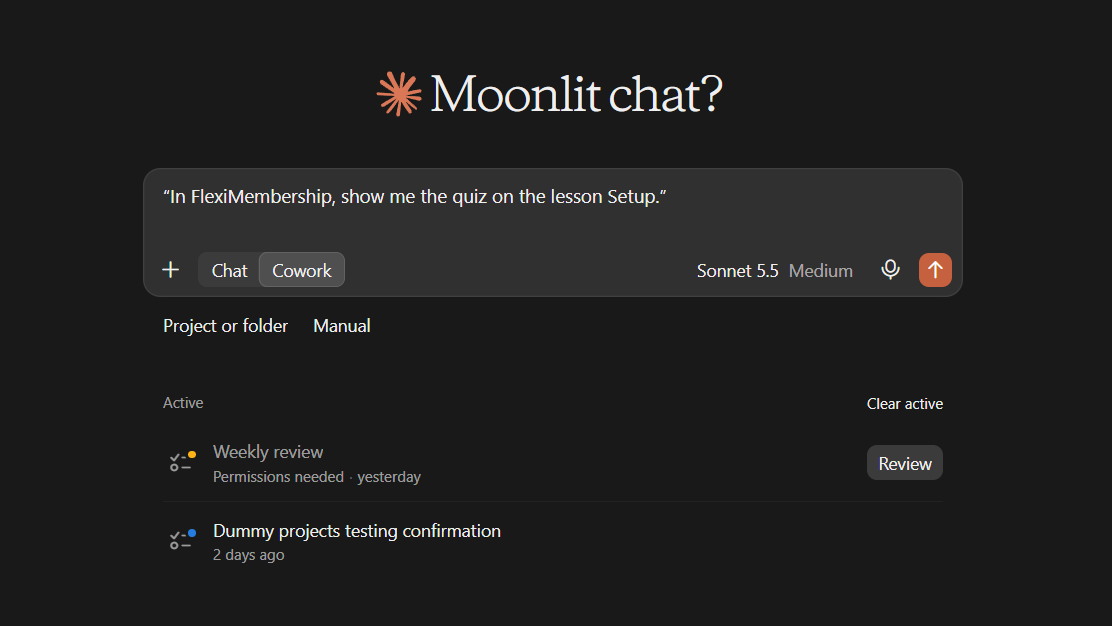
Example prompt“In FlexiMembership, show me the quiz on the lesson Setup.”
- To edit a question, send the full new choice list and the right one.
- Past scores are not changed.
2Set the pass mark, retakes and messages
- Pass mark: 0 to 100 percent.
- Retakes after the first try. 0 means none.
- Wait between retakes: none, minutes, hours or days.
- Messages: before the quiz, on pass, on fail, and on retake.
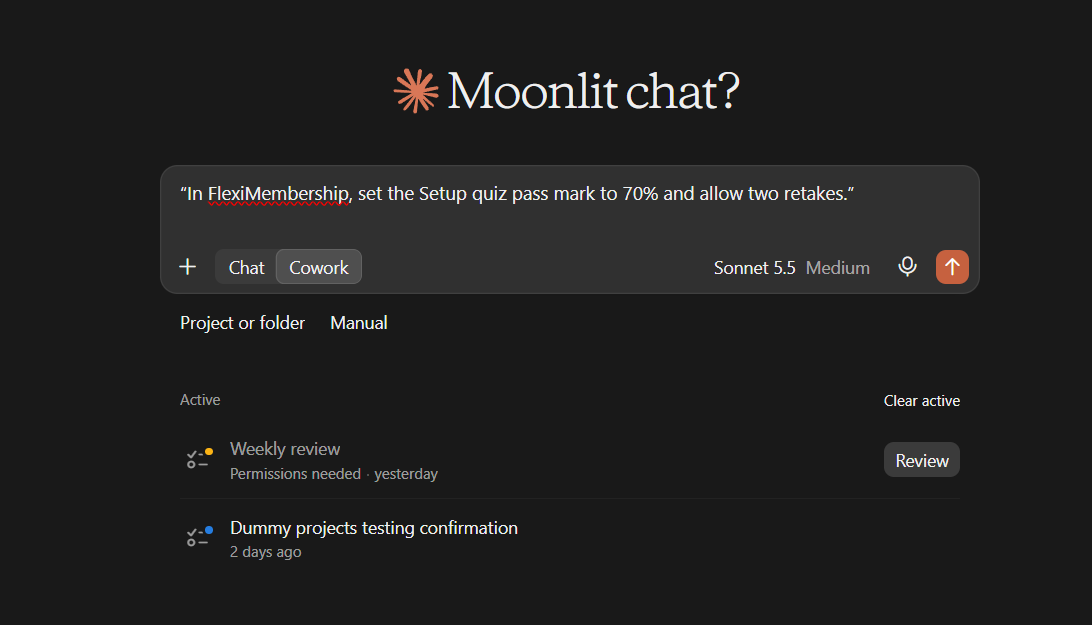
Example prompt“In FlexiMembership, set the Setup quiz pass mark to 70% and allow two retakes.”
- New settings apply to future attempts. Past scores are not recalculated.
3See results and give a retake
- Ask for quiz results. You see who took each quiz, attempts, passes and the average score.
- Ask for one quiz’s members to see each score.
- To let one member try again, give them retakes.
- It works only for a member who already took the quiz.
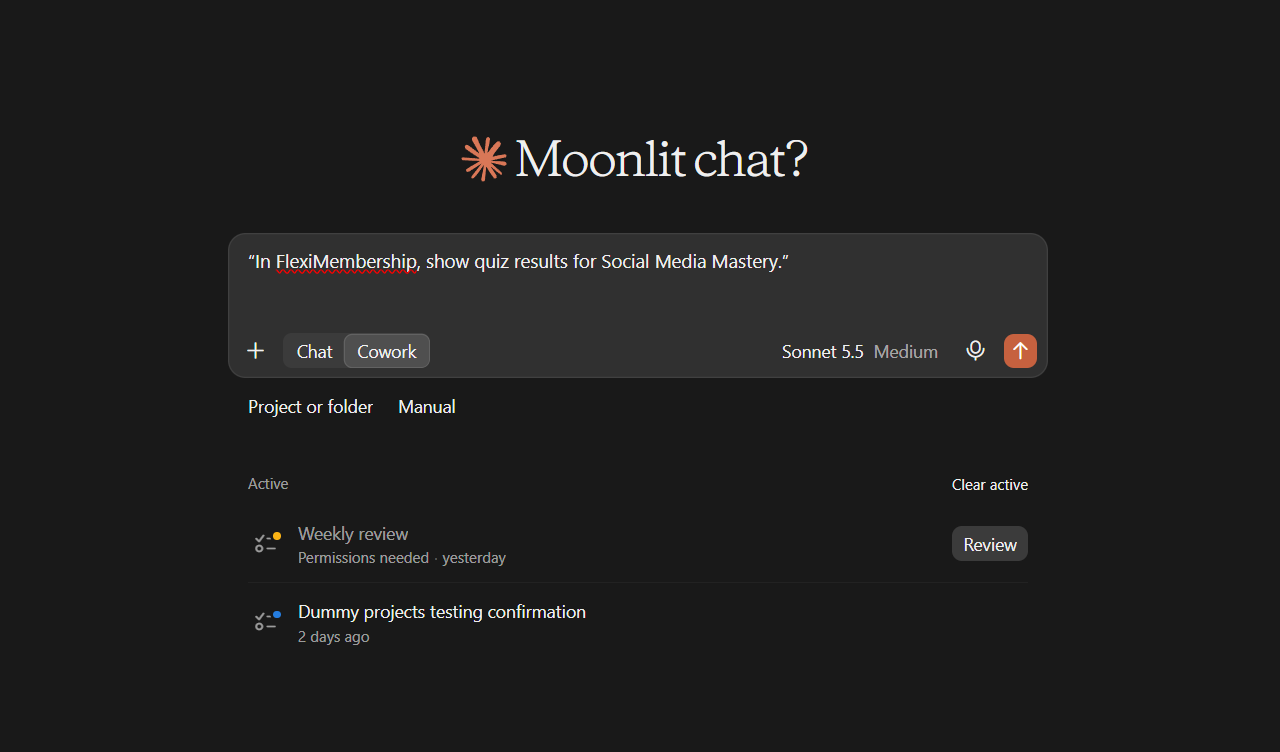
Example prompt“In FlexiMembership, show quiz results for Social Media Mastery.”
Example prompt“In FlexiMembership, give Priya Sharma two retakes on the Setup quiz.”
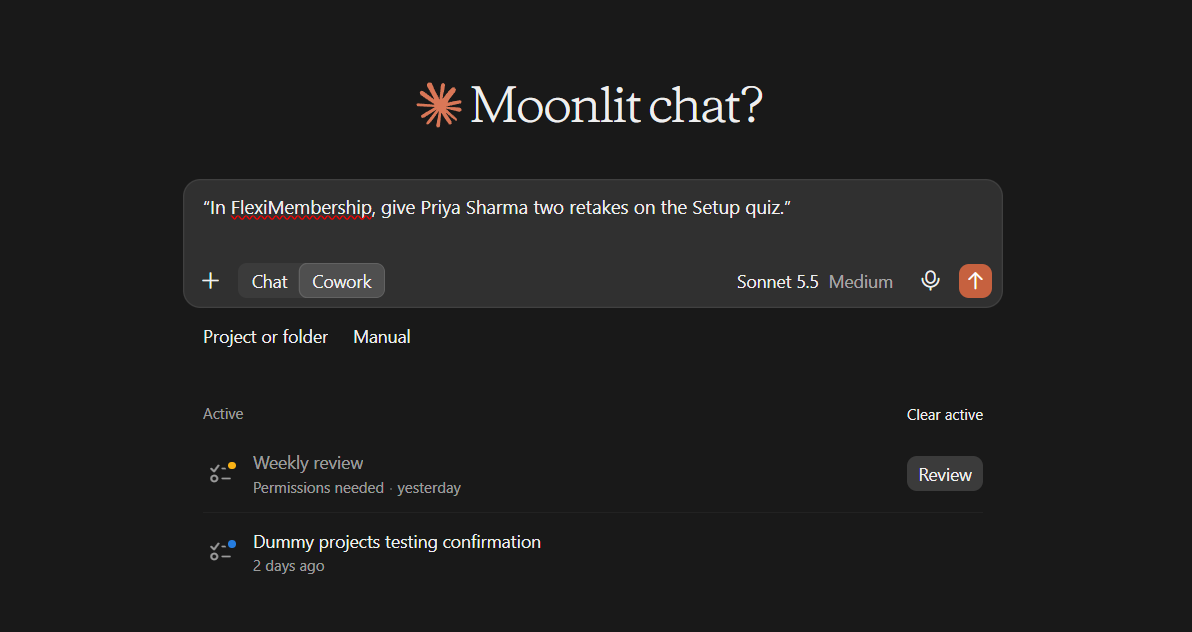
- The number is the total retakes. 0 puts them back on the normal allowance. No email is sent.
Part B: Mock tests
4Build the question bank
- Give the question, a topic (category) and the type.
- Types: single choice, multiple choice, true or false, number.
- Give 2–10 choices and the right ones, counting from 1.
- You can attach the new question to a test in the same request.
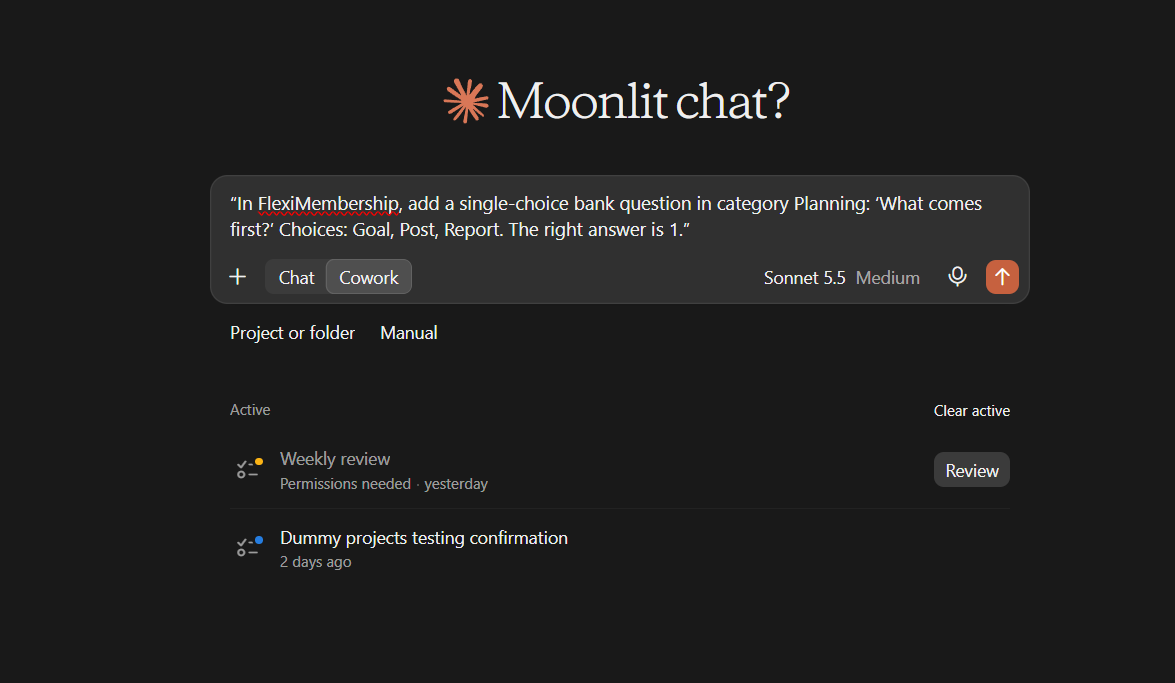
Example prompt“In FlexiMembership, add a single-choice bank question in category Planning: ‘What comes first?’ Choices: Goal, Post, Report. The right answer is 1.”
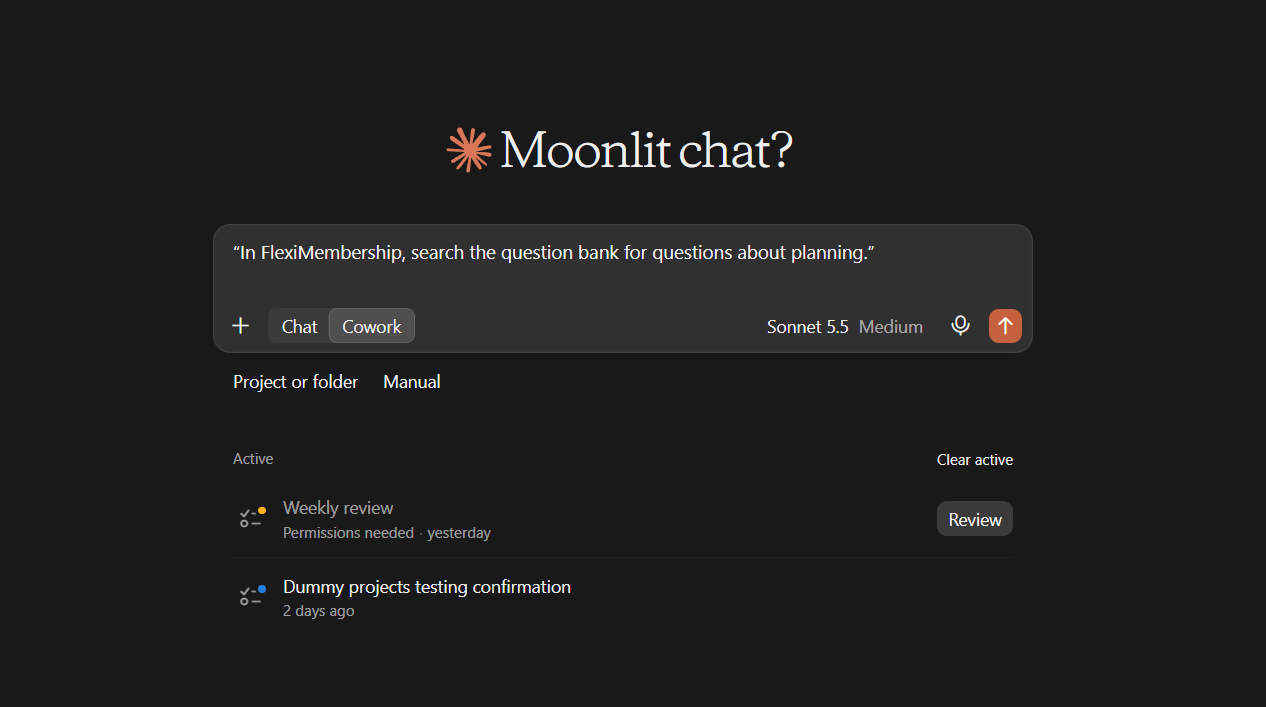
Example prompt“In FlexiMembership, search the question bank for questions about planning.”
Be careful: shared questionsQuestions cannot be deleted through the AI. Search for a copy first. Editing a bank question changes every test that uses it.
5Create the mock test
- Only a name is needed. The rest uses defaults.
- Defaults: 60 minutes, pass mark 60%, unlimited attempts, all questions.
- A new test is a draft. Members cannot see it.
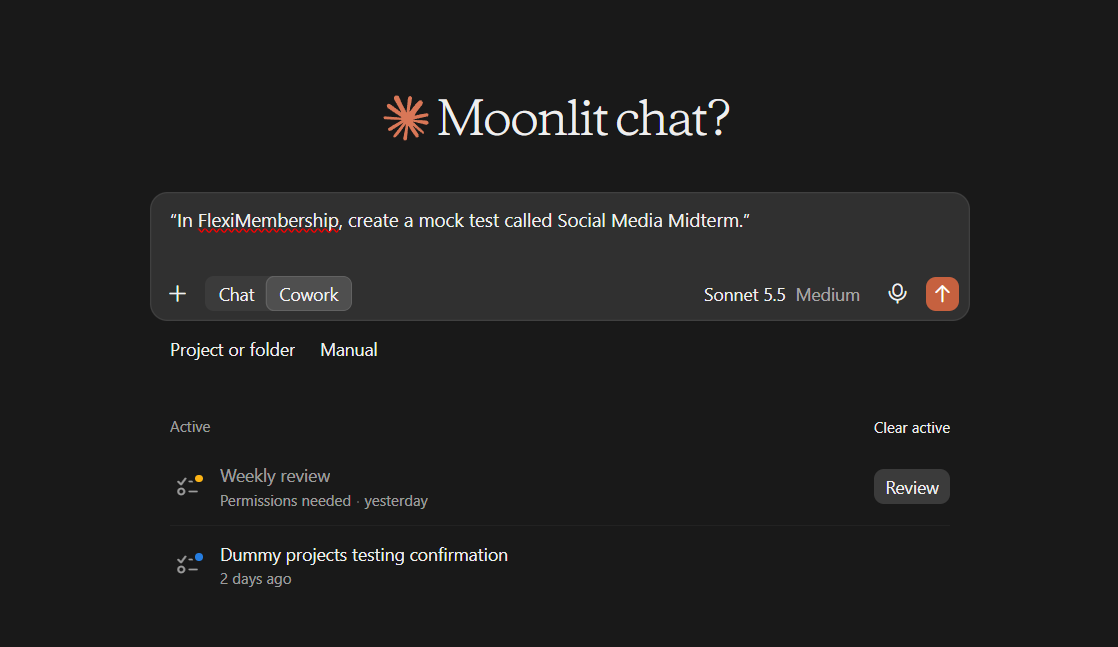
Example prompt“In FlexiMembership, create a mock test called Social Media Midterm.”
Be careful: nameTests cannot be deleted through the AI. Check the name first.
6Add questions, set the rules and publish
- Pick questions from the bank and add them to the test.
- Adding only adds. The questions are numbered in bank order.
- Then set the time, pass mark, attempts and schedule.
- You can also choose where members see the test: courses, communities or other pages.
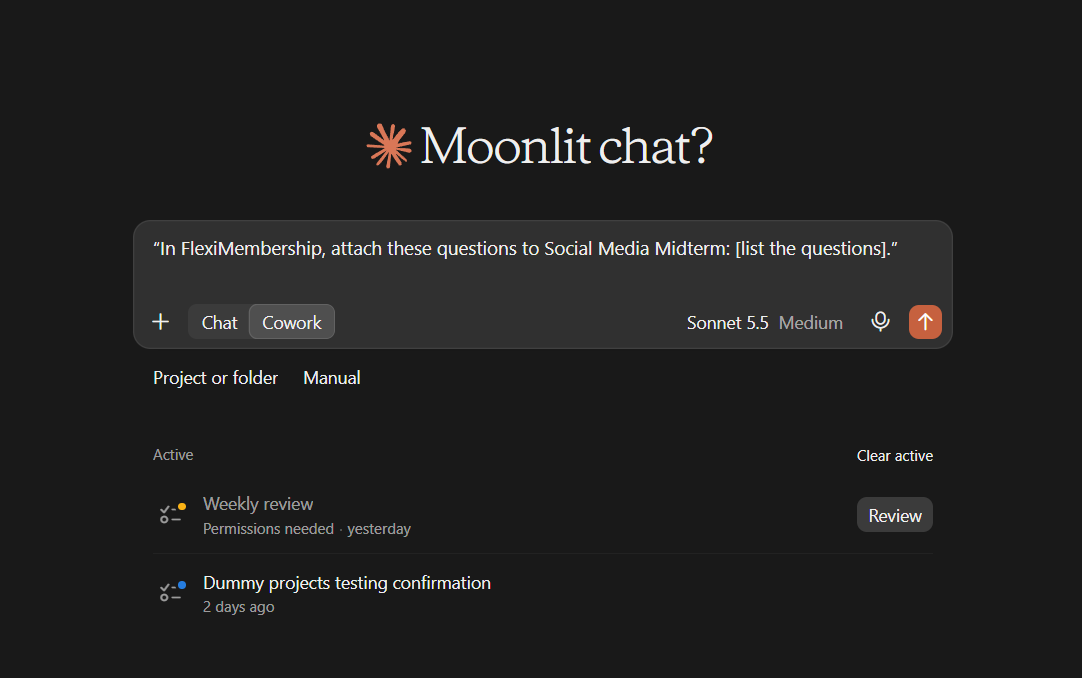
Example prompt“In FlexiMembership, attach these questions to Social Media Midterm: [list the questions].”
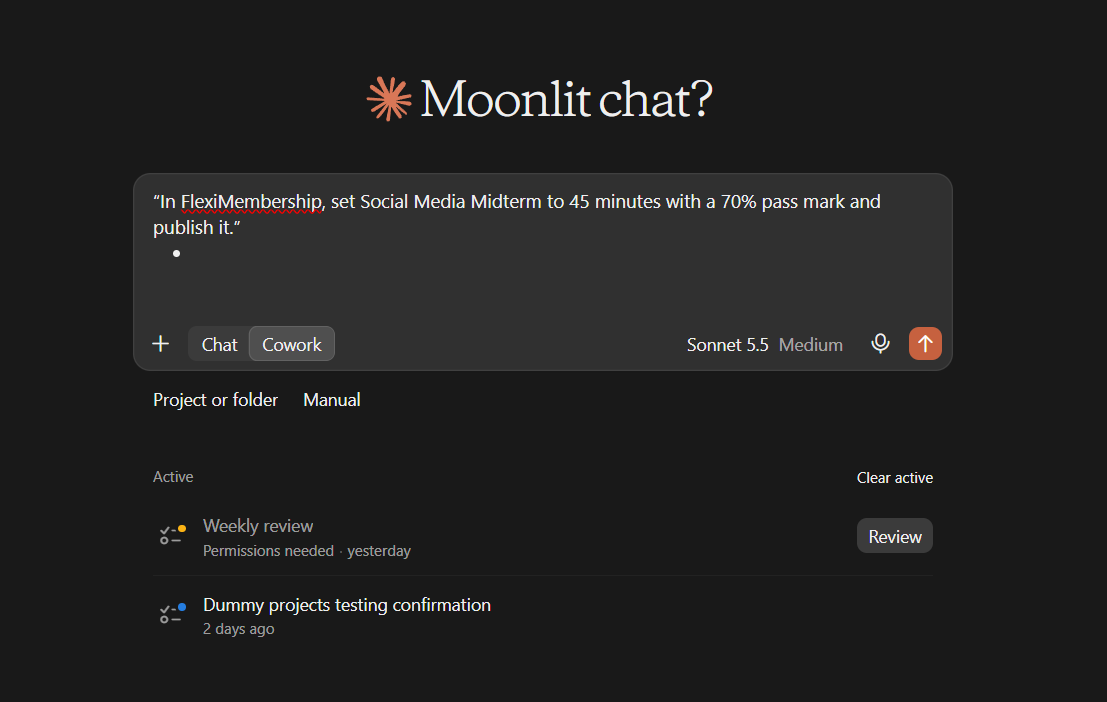
Example prompt“In FlexiMembership, set Social Media Midterm to 45 minutes with a 70% pass mark and publish it.”
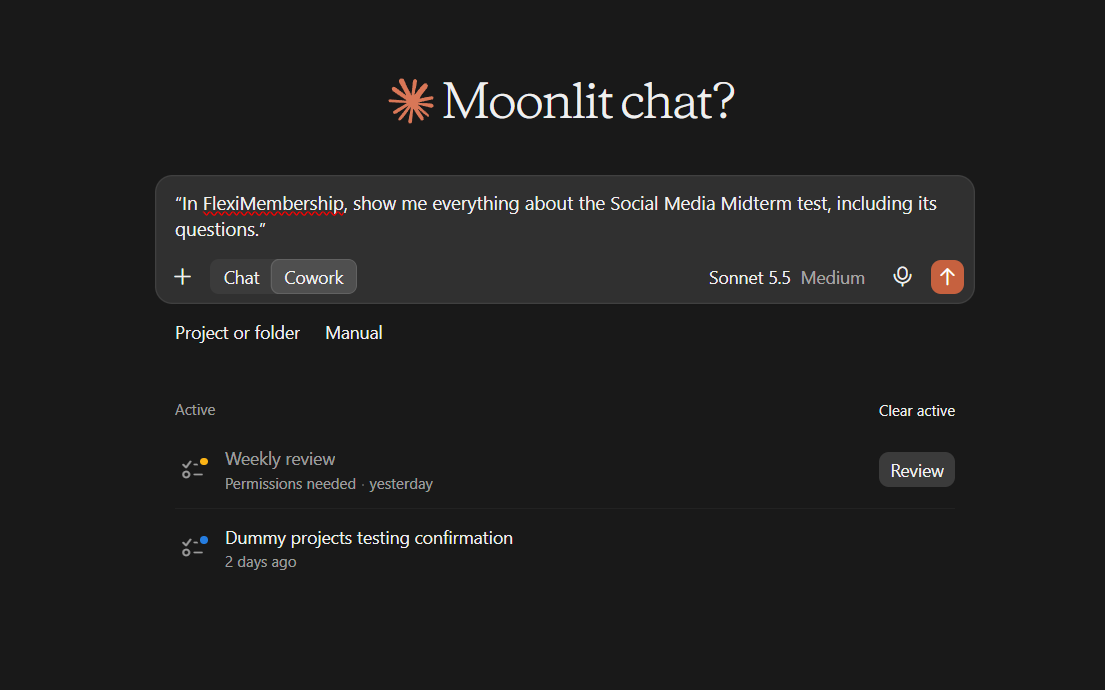
- Ask to see the whole test before you publish.
Example prompt“In FlexiMembership, show me everything about the Social Media Midterm test, including its questions.”
Be careful: publishingPublishing lets members see and take the test. Start and end times are in IST.
7Check attempts, run a retest and close the test
- Ask who took the test. You see each member’s score and if they passed.
- A retest opens only for members who failed. Only they see the test, with fresh attempts.
- Opening a new retest replaces the member list of one still open.
- No email is sent. Tell those members yourself.
- You can close the test. It is hidden from members. Results stay. You can reopen it.
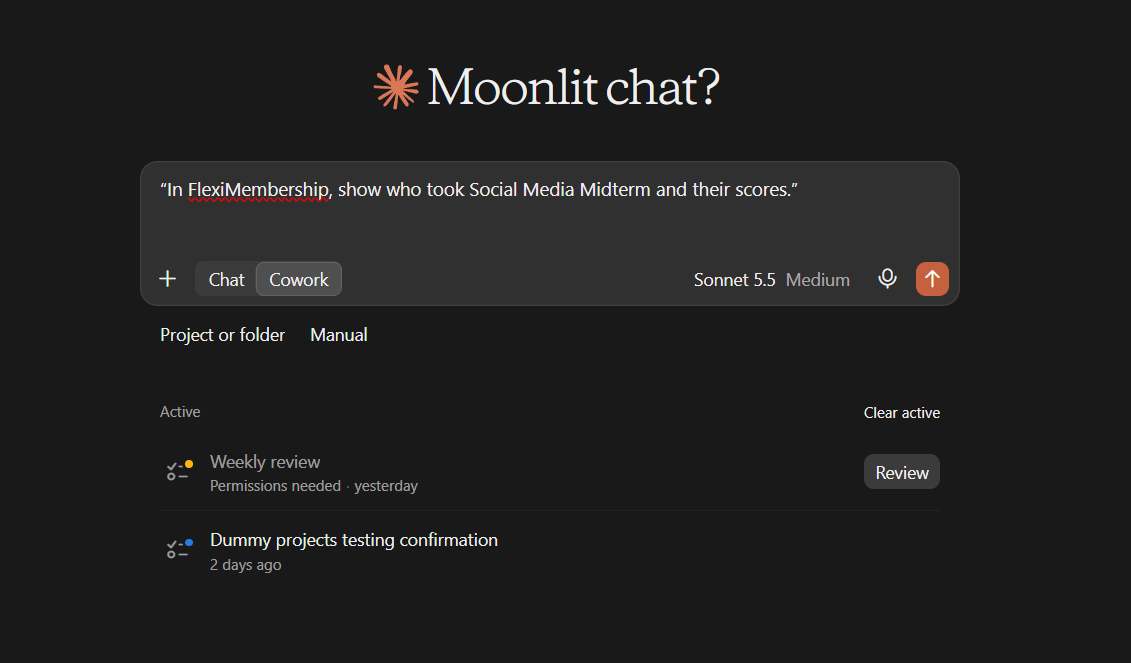
Example prompt“In FlexiMembership, show who took Social Media Midterm and their scores.”
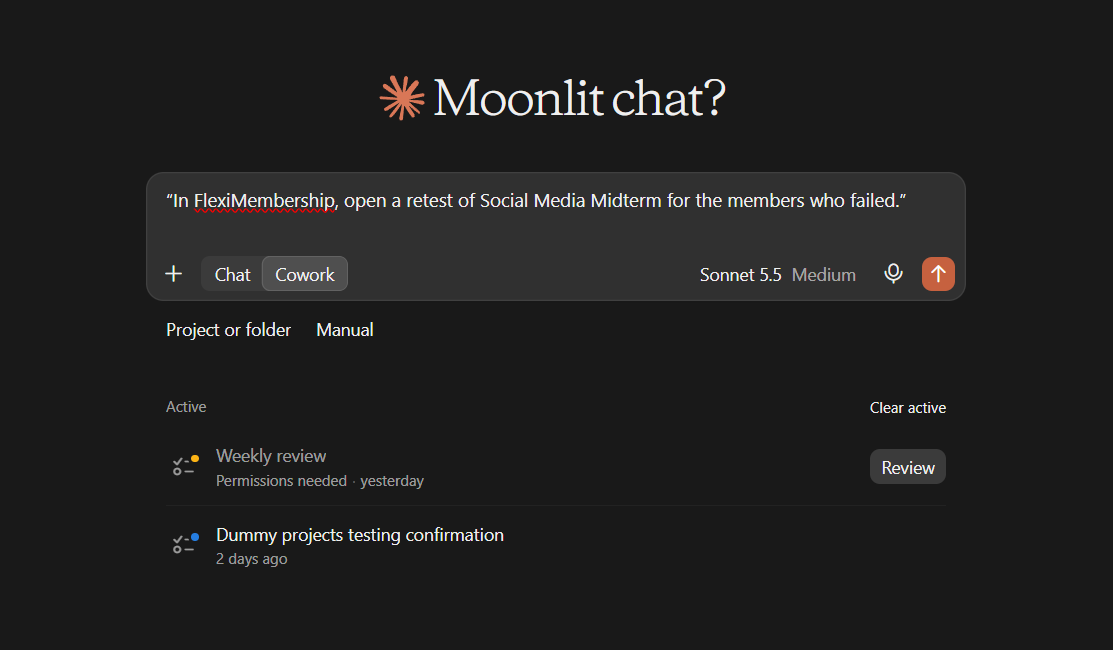
Example prompt“In FlexiMembership, open a retest of Social Media Midterm for the members who failed.”
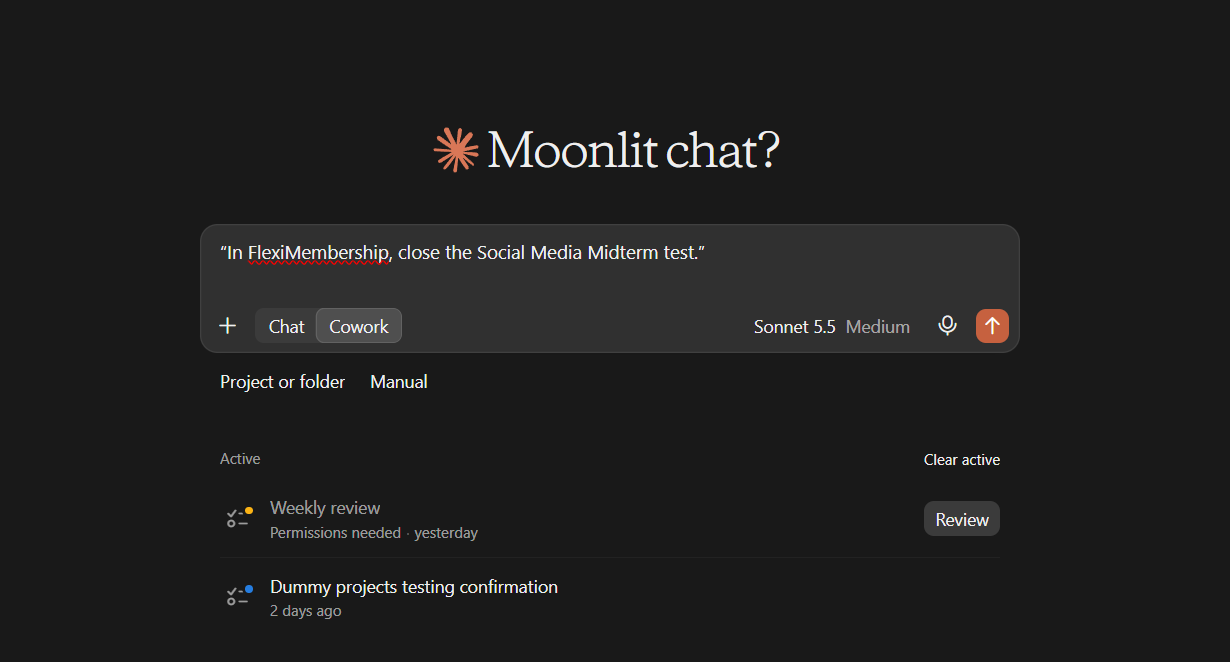
Example prompt“In FlexiMembership, close the Social Media Midterm test.”
Be careful: retestA retest is visible to those members at once. Check the member list before you confirm.
Behind the Scenes: MCP Tools Involved
| Task | Related MCP tool(s) |
|---|---|
| See a lesson’s quiz | get_lesson_quiz |
| Add a quiz question | add_quiz_question |
| Edit a quiz question | update_quiz_question |
| Change pass mark, retakes and messages | update_quiz_settings |
| See quiz results | get_quiz_results |
| Give one member retakes | set_member_quiz_retakes |
| Create a mock test | create_mock_test |
| List mock tests | list_mock_tests |
| See one mock test in full | get_mock_test |
| Change a mock test’s rules, schedule or publish status | update_mock_test |
| Close or reopen a mock test | set_mock_test_closed |
| See who took a mock test | get_mock_test_attempts |
| Open a retest for members who failed | start_mock_test_retest |
| Close a retest | end_mock_test_retest |
| Add a question to the bank | add_bank_question |
| Search the question bank | list_question_bank |
| Edit a bank question | update_bank_question |
| Add bank questions to a test | add_questions_to_mock_test |
| Find lessons first | list_course_modules |
Ready-to-Use Prompts
- “In FlexiMembership, show me the quiz on the lesson Setup.”
- “In FlexiMembership, set the Setup quiz pass mark to 70% and allow two retakes.”
- “In FlexiMembership, create a mock test called Social Media Midterm.”
- “In FlexiMembership, set Social Media Midterm to 45 minutes with a 70% pass mark and publish it.”
- “In FlexiMembership, show who took Social Media Midterm and their scores.”
Tips for Better Results
- Name the course and the lesson for a quiz. Name the test for a mock test.
- Ask for the quiz or test first. Then change it.
- Count right answers from 1.
- Build the bank first. Then make the test.
- Keep a test as a draft until you check it.
- Read the preview. It lists what will change.
Quick Fixes
| Problem | Fix |
|---|---|
| Members cannot see my test. | It may be a draft, scheduled or closed. Ask for the test’s status and publish it. |
| Other tests changed. | A bank question is shared. Editing it changes every test that uses it. |
| A retake is refused. | The member must have taken the quiz first. |
| Failed members were not told. | A retest sends no email. Tell them yourself. |
| The times look different. | Mock test times are in IST. |
| I cannot delete a question or test. | They cannot be deleted through the AI. |
| The AI does not use FlexiMembership. | Check the connector or plugin is connected and authorized. Add “In FlexiMembership” to your prompt. |
Explore the complete FlexiMembership MCP Tools Reference: View the documentation for a detailed explanation of available MCP tools, their functionality, and how to use them.
Limitations
- Lesson quizzes take multiple-choice questions only.
- Bank questions and mock tests cannot be deleted through the AI.
- Adding questions to a test only adds. Removing them is done in the dashboard.
- A retest is only for members who failed.
- Quiz and test changes apply to future attempts.
- No undo is described. Read each preview before you confirm.
Was this article helpful?
That’s Great!
Thank you for your feedback
Sorry! We couldn't be helpful
Thank you for your feedback
Feedback sent
We appreciate your effort and will try to fix the article