Connect Claude or ChatGPT to FlexiMembership. Use it to control automatic emails about abandoned checkouts.
Before You Start
- Connect FlexiMembership to Claude (a Connector) or ChatGPT (a Plugin). Make sure it is authorized.
- Know the project to work in.
- Start each request with “In FlexiMembership”.
Steps
1Cart recovery
- Cart recovery emails people who start checkout but do not finish.
- Make or edit an email template. Templates are shared across your account.
- Then turn recovery on for a product, and set when each email goes out.
- Each wait is at least 30 minutes. You can have up to 15 steps.
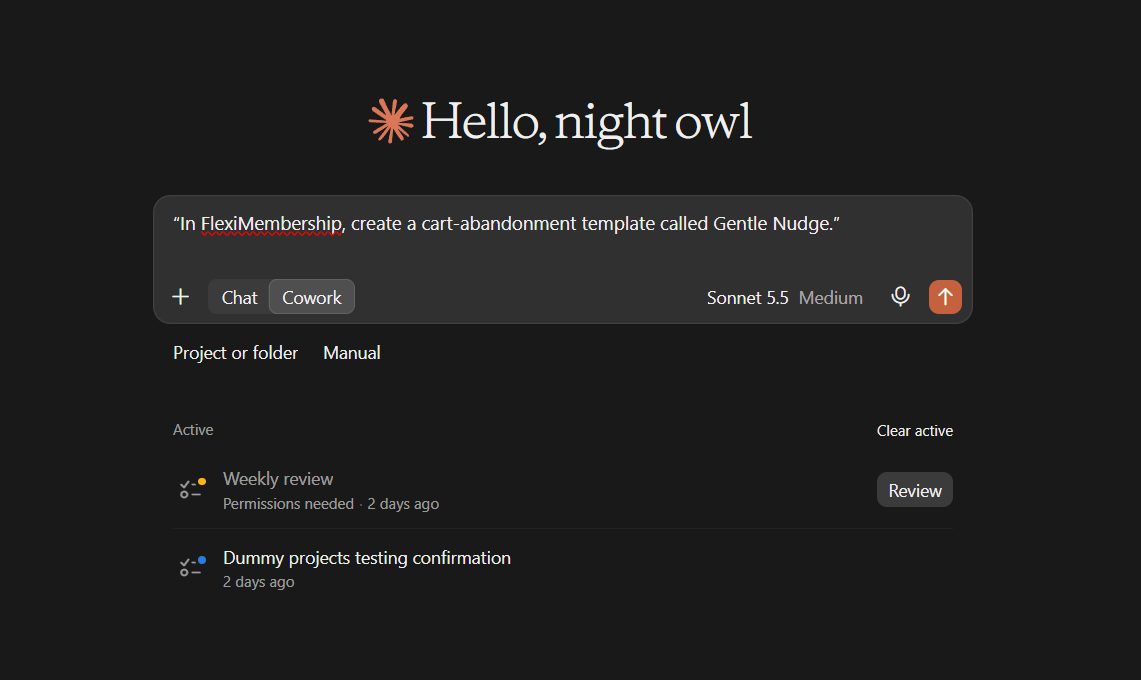
Example prompt“In FlexiMembership, create a cart-abandonment template called Gentle Nudge.”
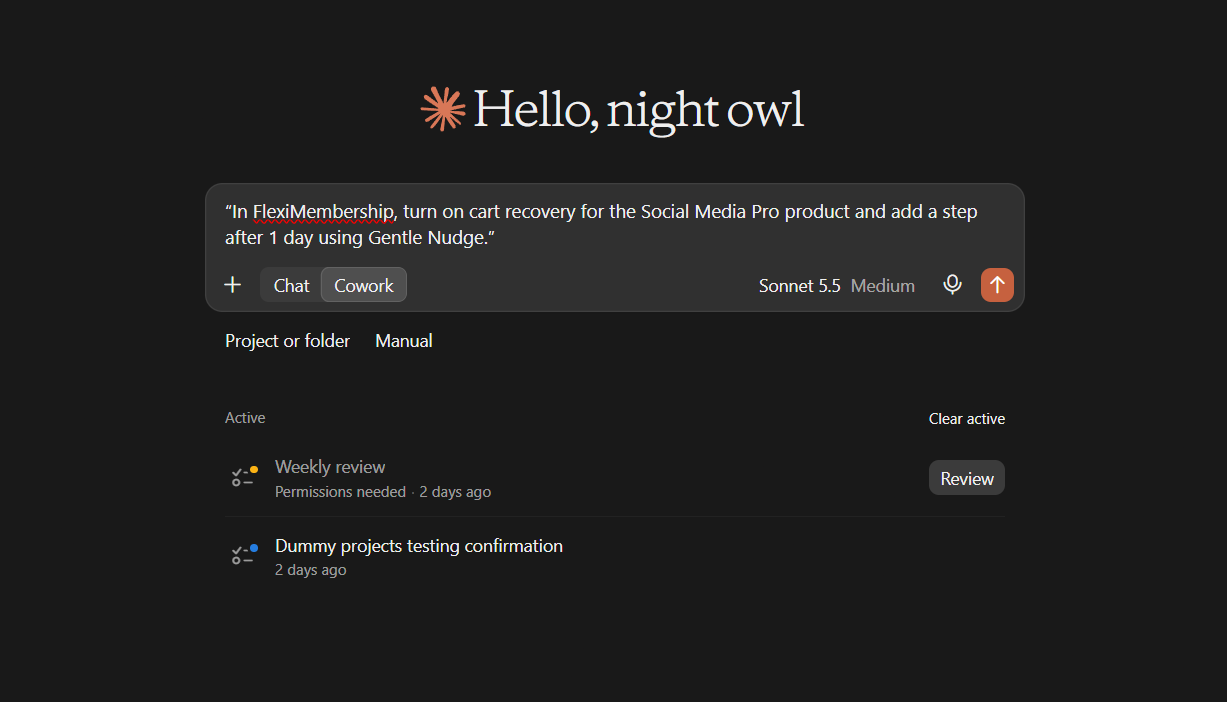
Example prompt“In FlexiMembership, turn on cart recovery for the Social Media Pro product and add a step after 1 day using Gentle Nudge.”
Be careful: shared templatesChanging a template changes the wording for every product that uses it. Steps are never removed through the AI. Nothing is sent now.
Behind the Scenes: MCP Tools Involved
| Task | Related MCP tool(s) |
|---|---|
| List cart-abandonment templates | list_email_templates |
| Create a cart-abandonment template | add_email_template |
| Edit a cart-abandonment template | update_email_template |
| See cart recovery for a product | get_cart_recovery |
| Change cart recovery | update_cart_recovery |
Ready-to-Use Prompts
- “In FlexiMembership, turn on cart recovery for the Social Media Pro product.”
Tips for Better Results
- Ask to see the current settings before you change them.
- Change one thing at a time.
- Name the project, and the product or course when it matters.
- Read every preview. Some changes are live at once.
- After a change, ask the AI to show the setting again.
Quick Fixes
| Problem | Fix |
|---|---|
| The AI does not use FlexiMembership. | Check the connector or plugin is connected and authorized. Add “In FlexiMembership” to your prompt. |
Limitations
- Custom menus, follow-up emails and cart recovery steps are never removed through the AI.
- No undo is described. Read each preview before you confirm.
Was this article helpful?
That’s Great!
Thank you for your feedback
Sorry! We couldn't be helpful
Thank you for your feedback
Feedback sent
We appreciate your effort and will try to fix the article