This article explains where affiliates follow how their promotion is performing, and describes the tabs you use in the Affiliates area on the vendor side to manage your affiliates.
Key Terms
| Term | Meaning |
|---|---|
| Vendor | You, the owner of the product being promoted. |
| Affiliate | A person who promotes your product and earns a commission on each sale they bring in. |
| Commission | The reward the affiliate earns for a sale. It can be a fixed amount or a percentage. |
Before You Start
- Use a paid product if you want to see a commission. A free product earns no commission, so no earnings will appear in your test (see How to Test an Affiliate Purchase and Verify Tracking).
What the Affiliate Sees
On the affiliate dashboard, an affiliate can follow how their promotion is performing. The dashboard shows:
- Total sales
- Gross revenue and net revenue
- Daily profit
- Sales page views (unique visitor views)
- Earnings per visitor
- Checkout views
- Transaction data, affiliate sales and the commission earned
This data can be exported as a CSV file.
What You See as the Vendor
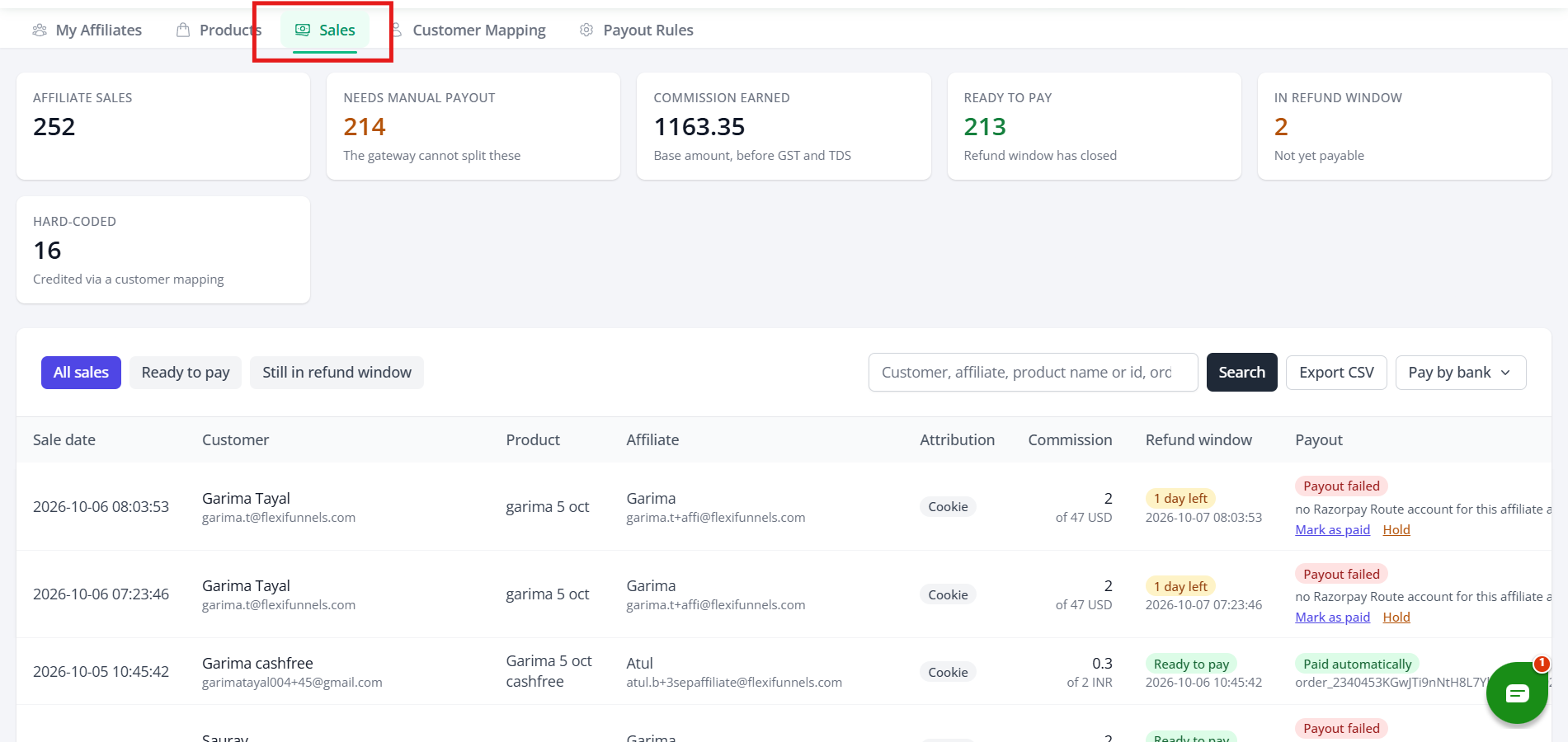
The Affiliates area on the vendor side includes several tabs for managing your affiliates:
| Tab | What it shows |
|---|---|
| Products | The products you have connected for affiliates. |
| Sales | All sales data: which customer bought which product, and which affiliate the sale came from. |
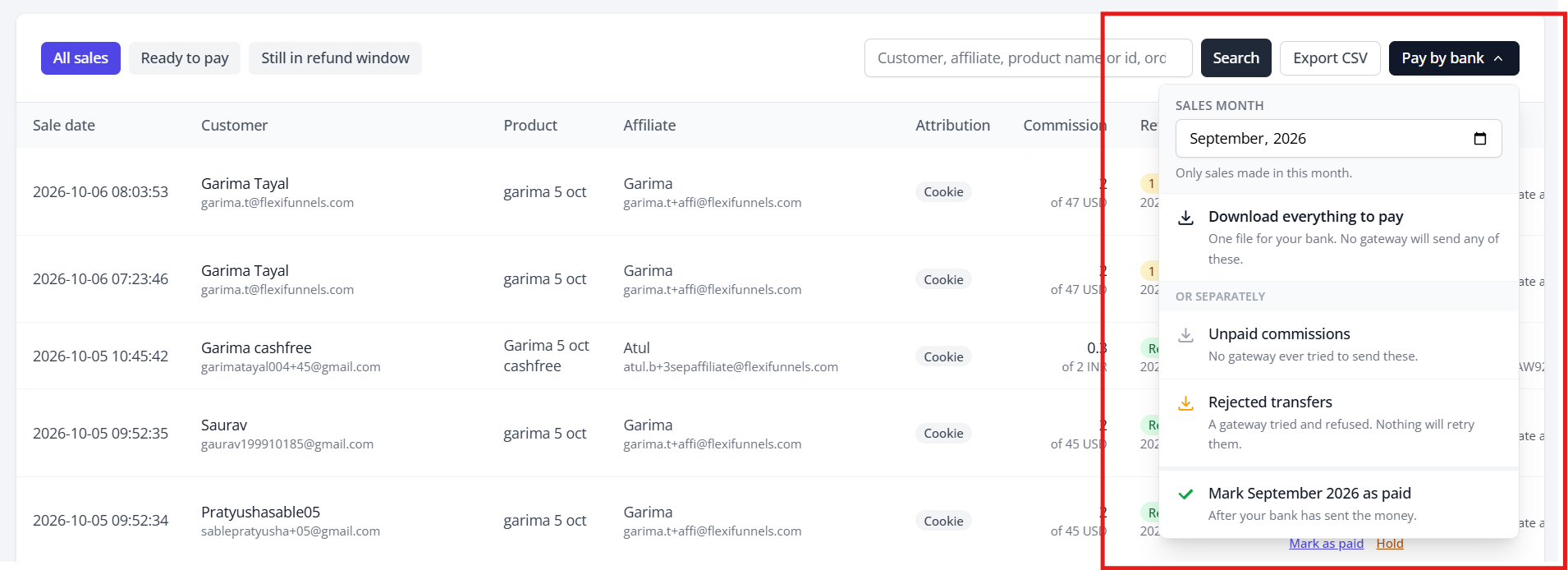
| Ready to Pay | Commissions that are ready to be paid to affiliates. |
| Refund | Sales that were refunded. |
| Customer Mapping | Where you link a customer's email address to an affiliate (see How to Configure Customer Mapping for Affiliates). |
| Payout Rules | Where you set the refund window and when commissions are released (see How to Configure Affiliate Payout Rules). |
The vendor's Affiliates area and its tabs:
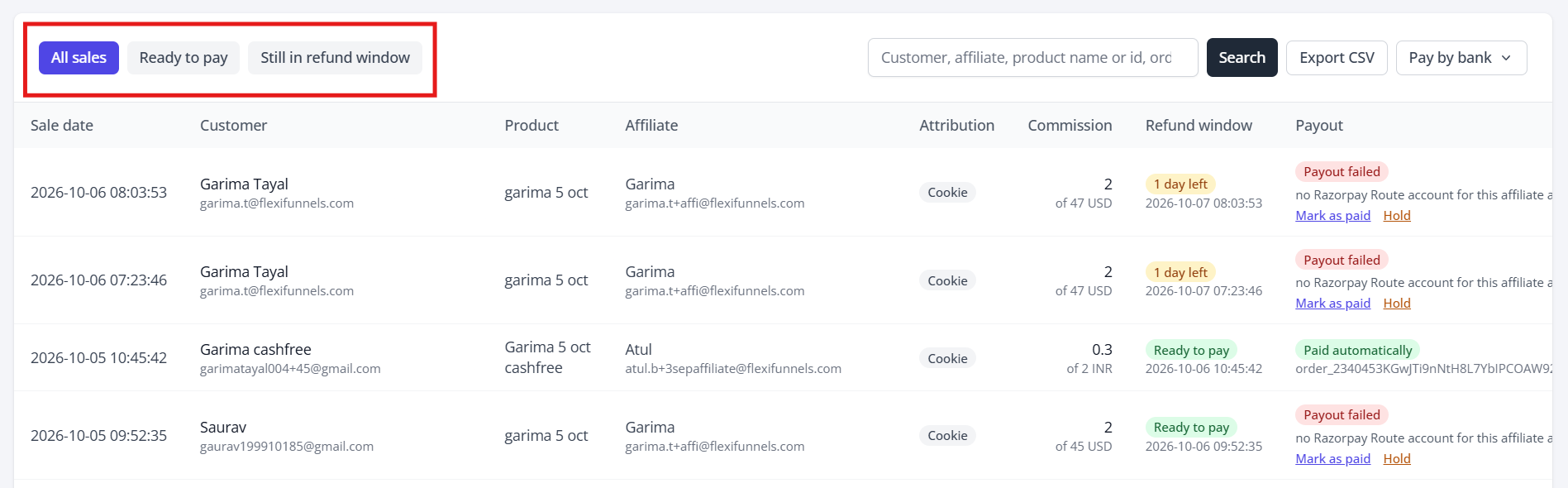
Additional view of the Affiliates area:
Troubleshooting
| Question | Answer |
|---|---|
| Where do I see refunded sales? | Open the Refund tab in the vendor's Affiliates area. Sales that are ready for payment are listed in the Ready to Pay tab. |
Summary
- Affiliates follow their results on the affiliate dashboard and can export the data as a CSV file.
- As the vendor, use the tabs in the Affiliates area to track results, and use Customer Mapping and Payout Rules as needed.
Was this article helpful?
That’s Great!
Thank you for your feedback
Sorry! We couldn't be helpful
Thank you for your feedback
Feedback sent
We appreciate your effort and will try to fix the article