How to set up files for automatic delivery and connect them to your pages and forms — all through chat.
Overview
A digital asset is a file — like a PDF, workbook, or template — that FlexiFunnels can automatically deliver to someone by email, typically after they submit a form or complete a purchase. This article covers reviewing your digital assets and connecting them to forms for automatic delivery.
This article covers:
- Viewing your list of digital assets
- Viewing details of a specific digital asset
- Adding a digital asset to a form so it's automatically delivered
What You Can Do
- Review a list of all digital assets uploaded in your account
- Look up the full detail of a specific digital asset, including how it's set up for delivery
- Connect a digital asset to a form, so it's automatically emailed to anyone who submits
Why This Is Useful
If you offer a free download in exchange for an opt-in — a checklist, workbook, or guide — you want it delivered automatically and reliably. Flexi Genie lets you review and connect these deliveries without navigating a separate file management screen.
Before You Begin
- You need an active FlexiFunnels account, logged in.
- The file you want to deliver should already be uploaded as a digital asset in your account.
- Know which form or page should trigger the delivery.
Step-by-Step: Common Digital Asset Tasks
Step 1: View Your Digital Assets
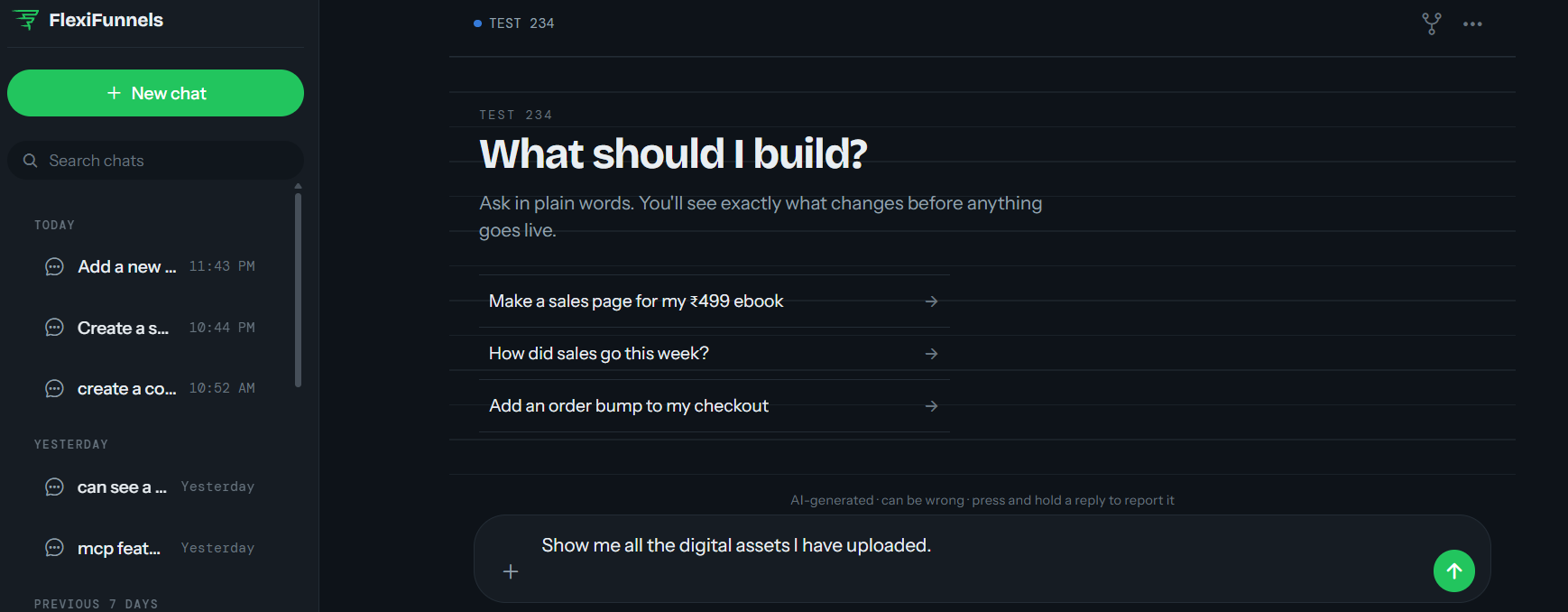
- Ask Flexi Genie for a list of all the digital assets currently uploaded to your account.
Example Prompt: "Show me all the digital assets I have uploaded."
Step 2: View a Specific Digital Asset
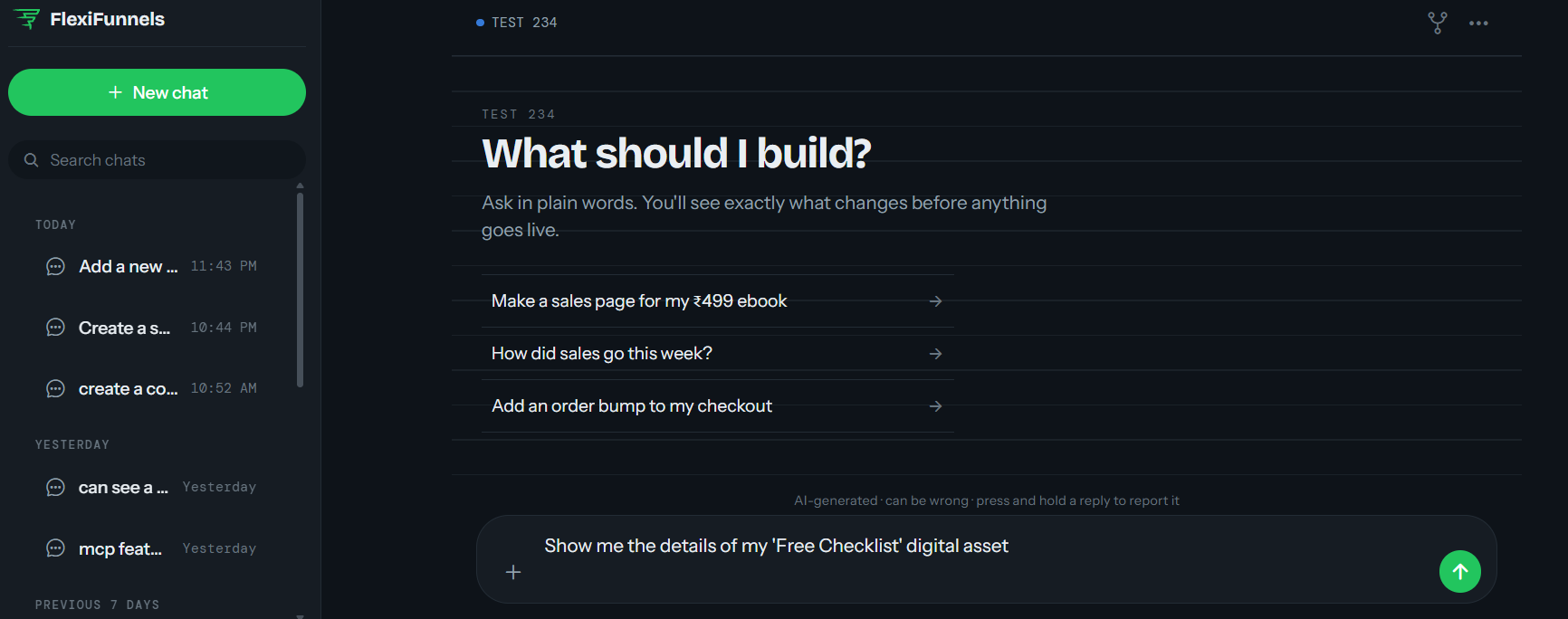
- Ask for details on one specific file, including where it's currently connected for delivery.
Example Prompt: "Show me the details of my 'Free Checklist' digital asset."
Step 3: Add a Digital Asset to a Form
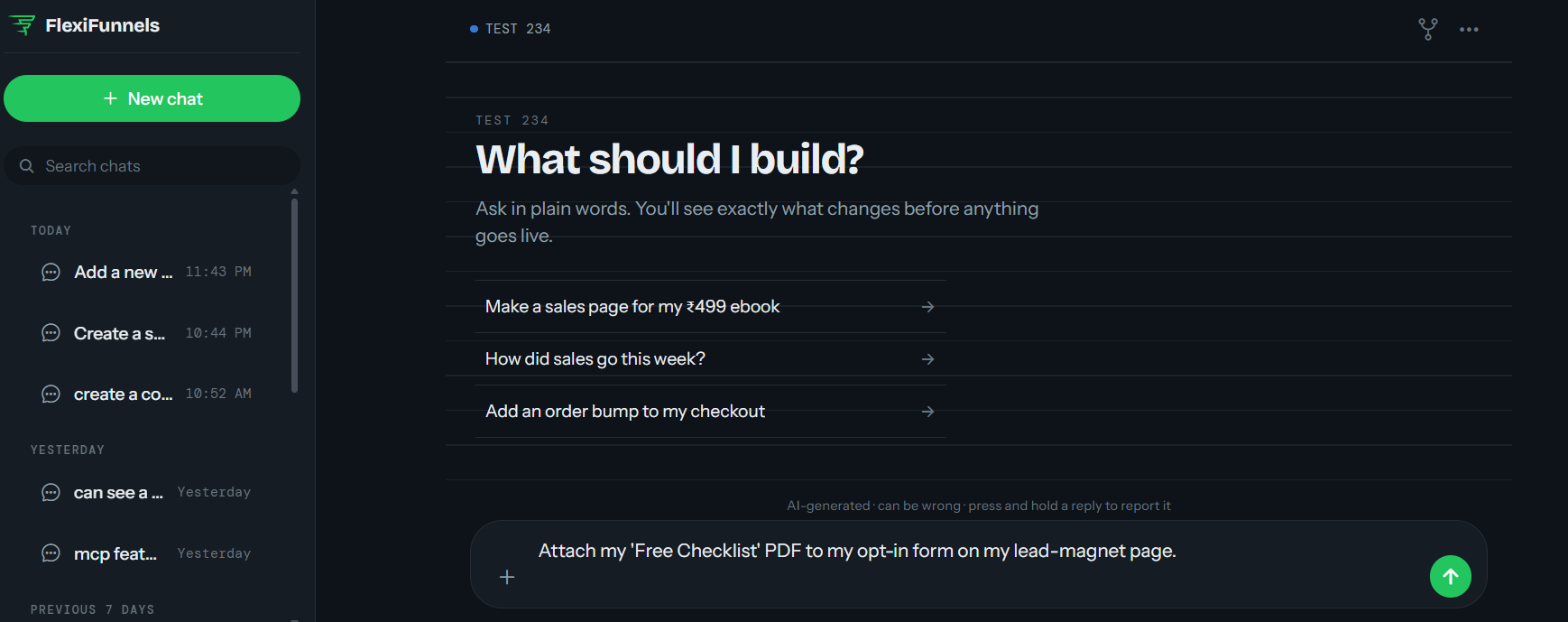
- Connect the file to a specific form so it's automatically delivered when someone submits.
Example Prompt: "Attach my 'Free Checklist' PDF to my opt-in form on my lead-magnet page."
Tip: After connecting a digital asset to a form, submit a test entry yourself to confirm the file actually arrives by email.
Behind the Scenes — MCP Tools Involved
| Task | Related MCP Tool(s) |
|---|---|
| Create a new digital asset | create_digital_asset |
| View all digital assets | get_digital_assets |
| View one digital asset in detail | get_digital_asset |
| Add a digital asset to a form or page | link_asset_to_page_or_form |
Good to Know: You never need to know these tool names to use Flexi Genie — this table is just for anyone curious about what's happening behind the scenes.
Ready-to-Use Prompts
"Show me all the digital assets currently uploaded to my account."
"What form is my 'Free Checklist' PDF currently connected to?"
"Attach my 'Onboarding Workbook' PDF to my new client-intake form."
Tips for Better Results
- Name your digital assets clearly (e.g. by offer or purpose) so they're easy to find and reference later.
- Test the delivery flow yourself after connecting a new asset to a form.
- Keep a mental (or written) map of which assets are connected to which forms, especially if you run several lead magnets.
Common Issues / Troubleshooting
File Not Arriving After Form Submission: Confirm the digital asset is correctly linked to that specific form, and check that an appropriate email template is set up to deliver it.
Wrong File Being Delivered: Double-check which digital asset is actually linked to the form — especially if similarly named assets exist in your account.
Limitations / Important Notes
- A digital asset must already be uploaded to your account before it can be linked to a form.
- Delivery relies on your email settings/templates being correctly configured — review the related Email, Forms & Autoresponders article if delivery isn't working as expected.
Curious what else Flexi Genie and AI assistants can do inside FlexiFunnels? See the full Possibilities with Flexi Genie & AI Assistance reference document.
Was this article helpful?
That’s Great!
Thank you for your feedback
Sorry! We couldn't be helpful
Thank you for your feedback
Feedback sent
We appreciate your effort and will try to fix the article