How to build out your course content — courses, modules, and lessons — using Claude or ChatGPT, once connected via MCP.
Overview
FlexiFunnels organizes membership content in three levels: a course contains modules (chapters), and each module contains lessons. Once Claude or ChatGPT is connected to your FlexiFunnels account via MCP, you can build out this entire structure, add video content and resources, and manage lesson details — directly from your chat.
This article covers:
- Creating a course and adding modules
- Renaming a module
- Creating lessons, and editing their titles and descriptions
- Attaching video content to lessons and modules (including bulk video import)
- Adding downloadable resources to a lesson, and setting a preferred resource
- Cloning a lesson
- Viewing your course's module list and lesson descriptions
- Setting up drip-feed rules so content unlocks over time
Before You Begin
- Make sure FlexiFunnels is connected to Claude (as a Connector) or ChatGPT (as a Plugin). See Connecting Claude to FlexiFunnels via MCP or Connecting ChatGPT to FlexiFunnels via MCP if you haven't done this yet.
- Have your video links (YouTube/Vimeo) or files ready if you plan to attach them right away.
- Plan your module and lesson structure loosely beforehand for a clearer request.
Step-by-Step: Common Course Tasks
Step 1: Create a Course and Add Modules
- Describe the course you want, along with the modules (chapters) it should contain.
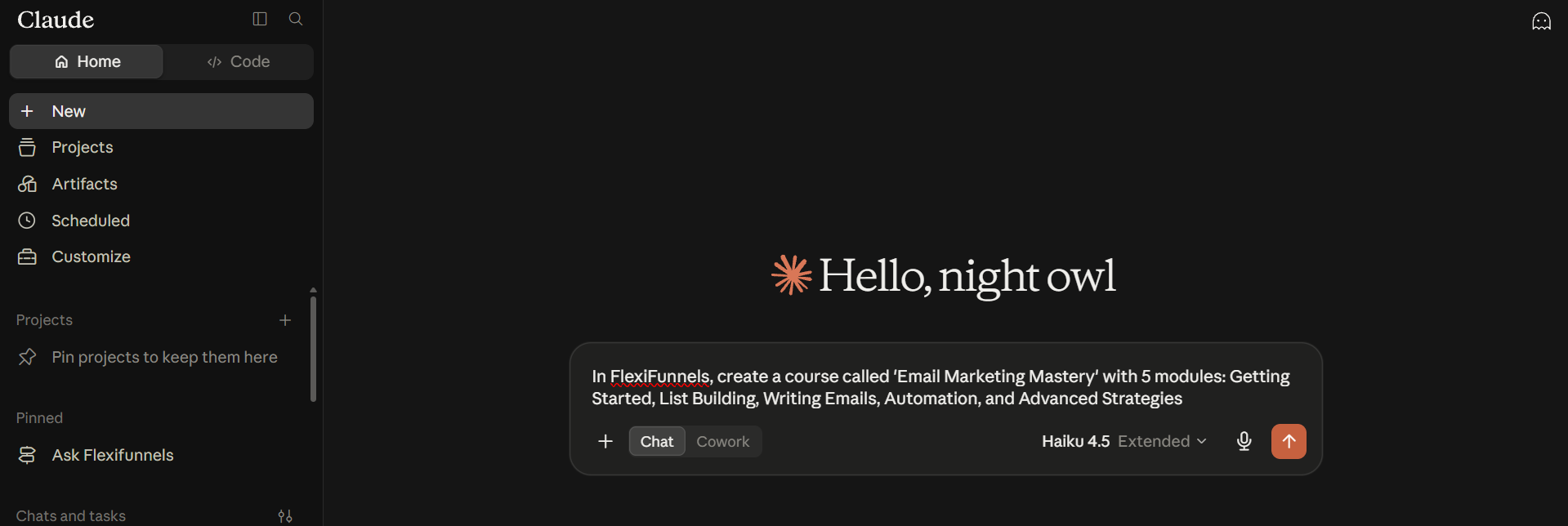
Example Prompt: "In FlexiFunnels, create a course called 'Email Marketing Mastery' with 5 modules: Getting Started, List Building, Writing Emails, Automation, and Advanced Strategies."
Tip: If a request covering several modules at once doesn't fully complete, ask for the course to be created first, then add modules one at a time.
Step 2: Rename a Module
- Tell Claude or ChatGPT the module and its new name.
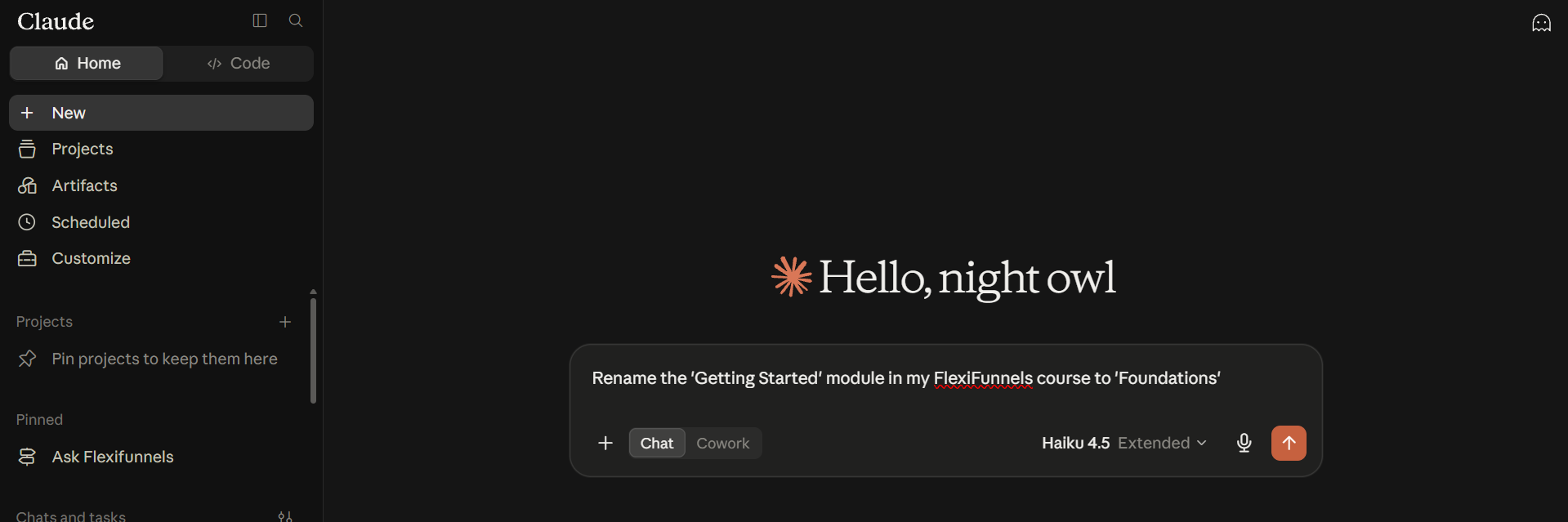
Example Prompt: "Rename the 'Getting Started' module in my FlexiFunnels course to 'Foundations'."
Step 3: Add Lessons, and Edit Their Titles or Descriptions
- Ask for one or more lessons to be added inside a specific module.
- Update a lesson's title or description at any time afterward.
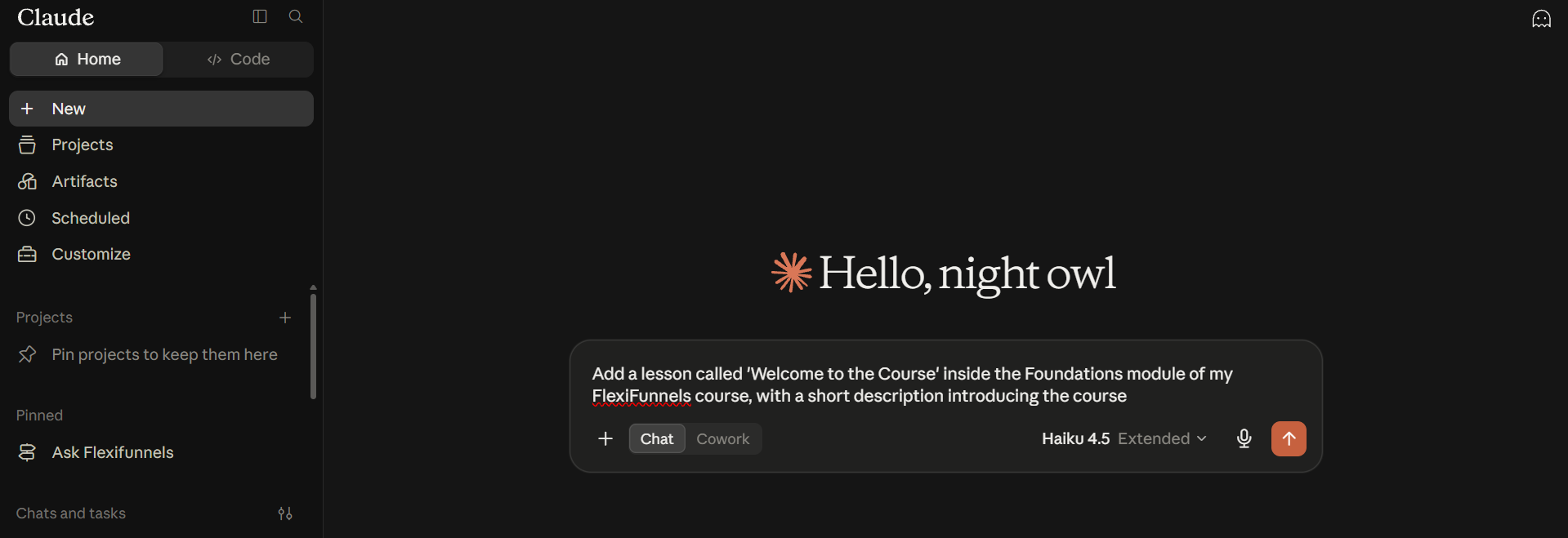
Example Prompt: "Add a lesson called 'Welcome to the Course' inside the Foundations module of my FlexiFunnels course, with a short description introducing the course."
Step 4: Attach Video Content
- Attach a video to a lesson using a YouTube or Vimeo link, an uploaded video, or a generic embed.
- To add many videos at once, ask for a full playlist to be imported into a module.
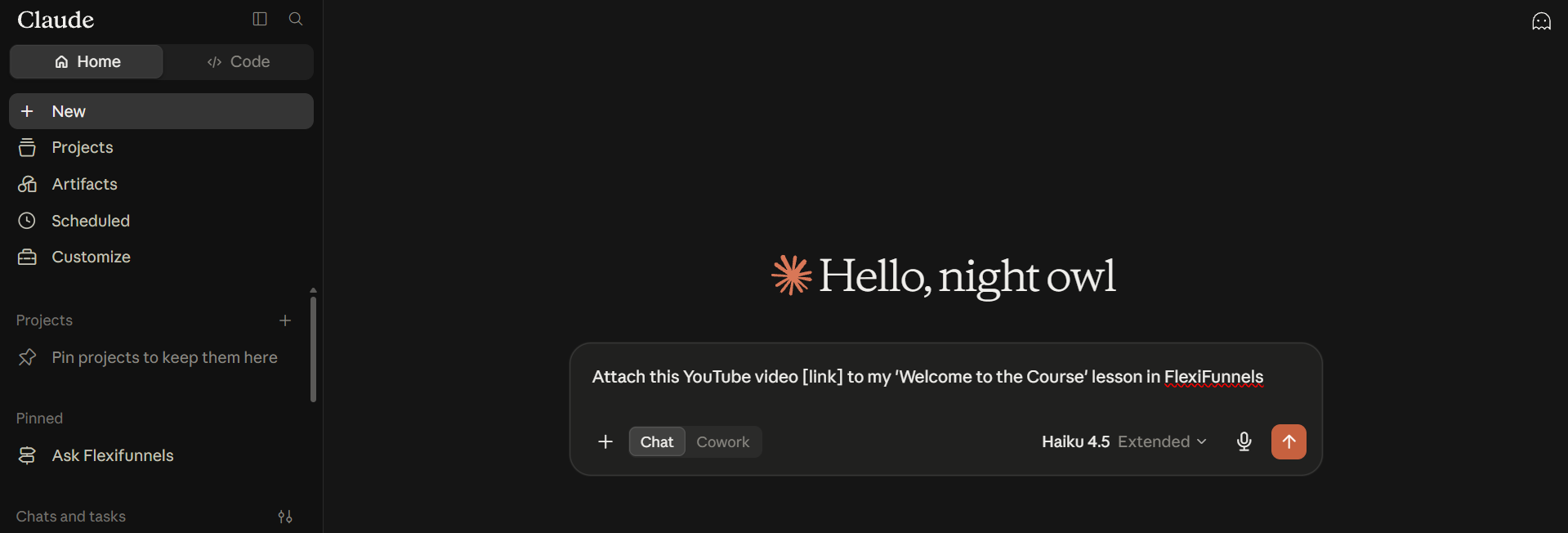
Example Prompt: "Attach this YouTube video [link] to my 'Welcome to the Course' lesson in FlexiFunnels."
Step 5: Add Resources to a Lesson
- Attach downloadable files to a lesson, and mark one as the preferred (default) resource if there are multiple.
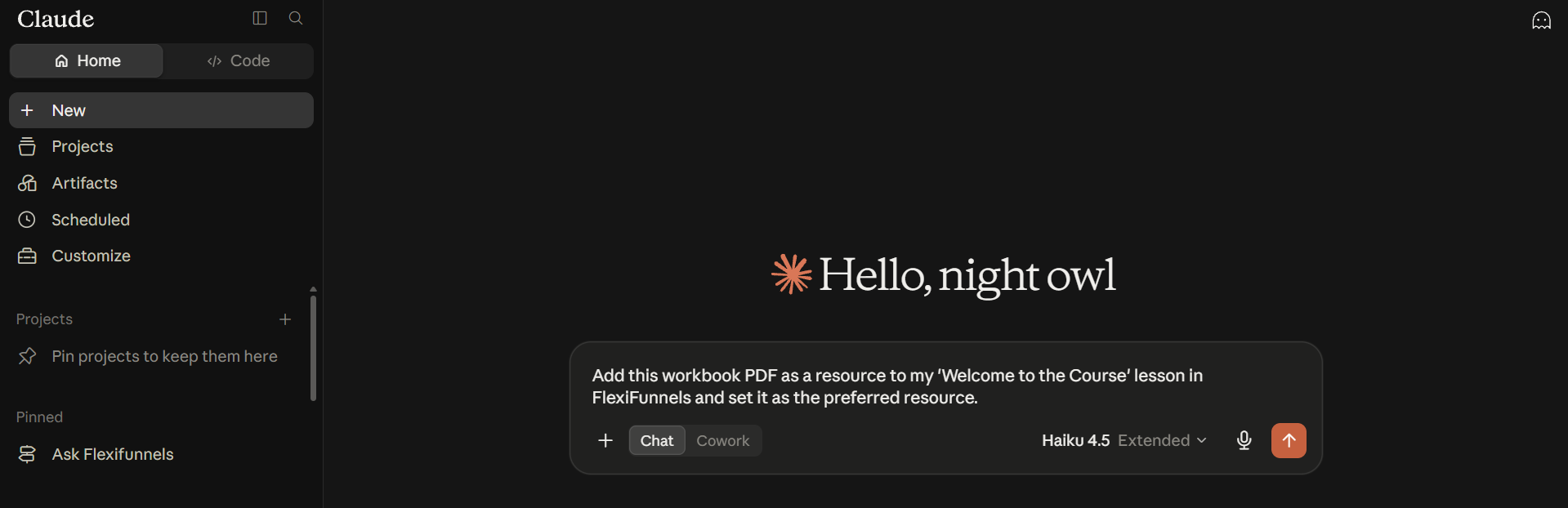
Example Prompt: "Add this workbook PDF as a resource to my 'Welcome to the Course' lesson in FlexiFunnels and set it as the preferred resource."
Step 6: Clone a Lesson
- If you need a similar lesson elsewhere in your course, ask for an existing one to be cloned.
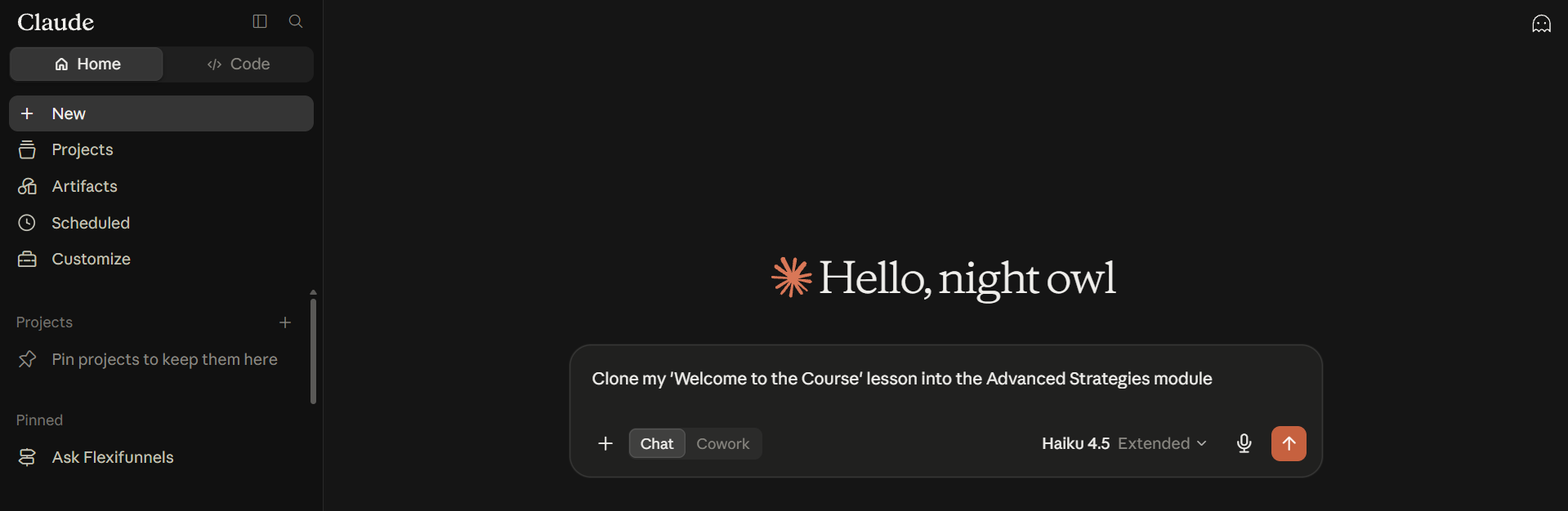
Example Prompt: "Clone my 'Welcome to the Course' lesson into the Advanced Strategies module."
Step 7: View Modules and Lesson Descriptions
- Ask to see all modules inside a course, or view a specific lesson's current description.
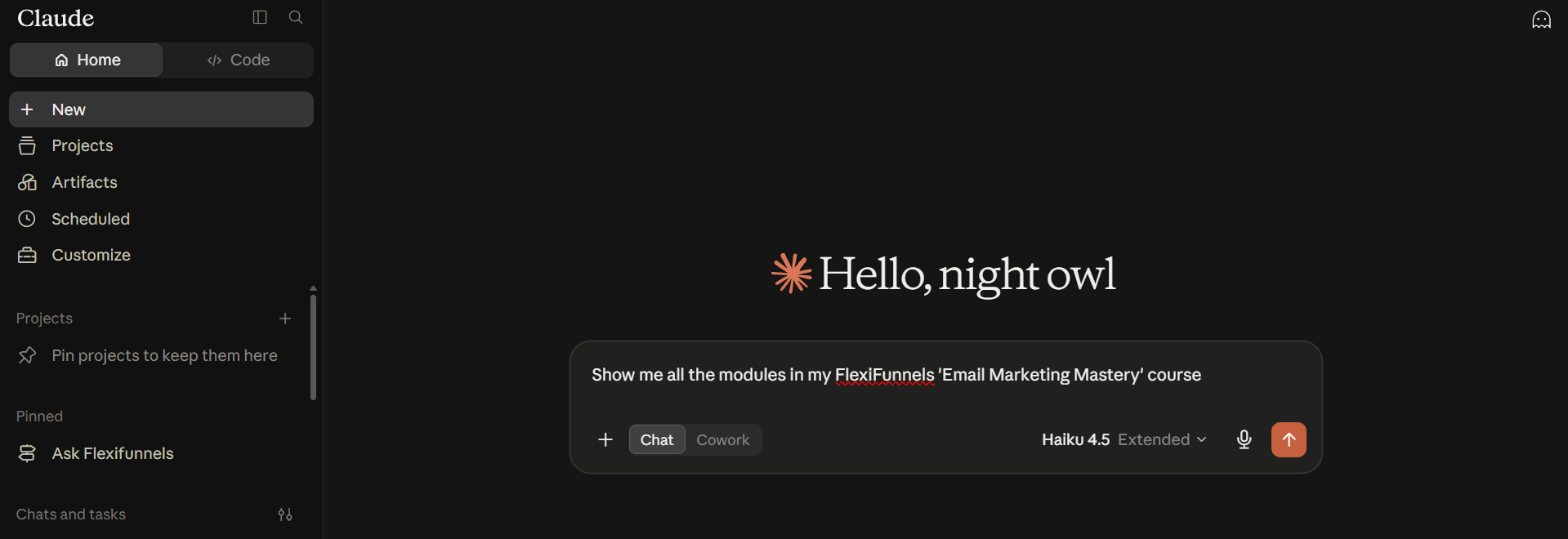
Example Prompt: "Show me all the modules in my FlexiFunnels 'Email Marketing Mastery' course."
Step 8: Set Up Drip-Feed Rules
- Control when a lesson or module becomes available to a member — after a set number of days, or once a prerequisite is completed.
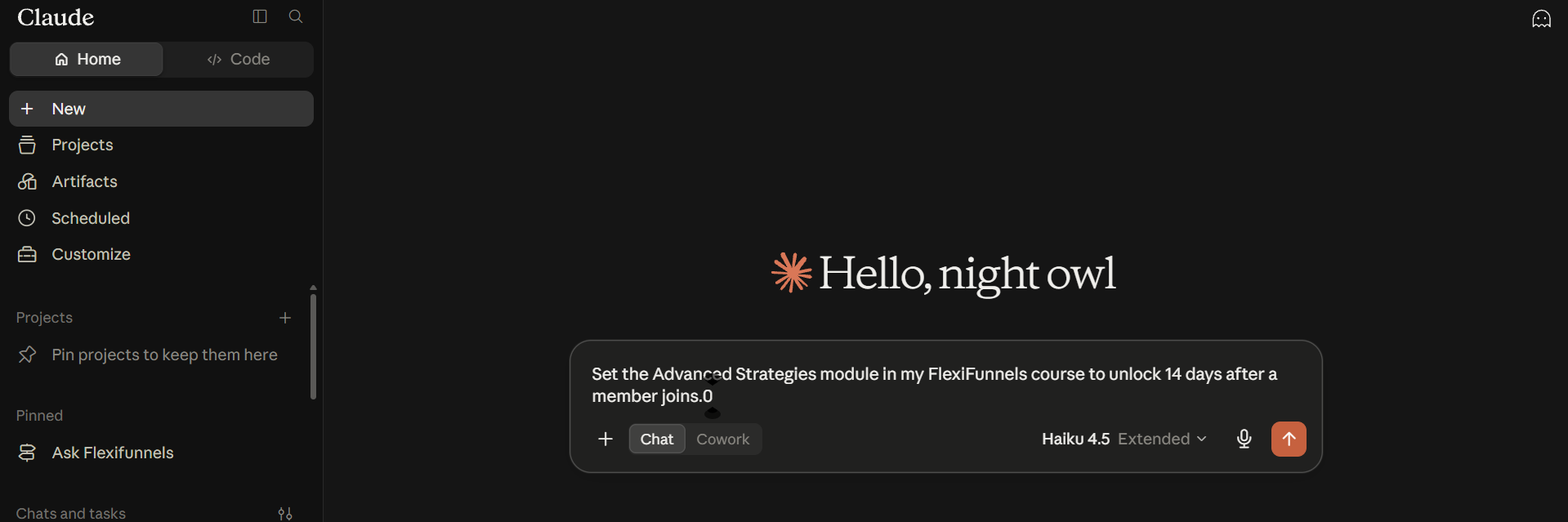
Example Prompt: "Set the Advanced Strategies module in my FlexiFunnels course to unlock 14 days after a member joins."
Be Careful: Drip-feed rules affect when members can access content. Double-check the exact timing before applying it.
Behind the Scenes — MCP Tools Involved
| Task | Related MCP Tool(s) |
|---|---|
| Create a course | create_course |
| Add a module | add_module |
| Rename/update a module | update_module |
| Add a lesson | add_lesson |
| Edit lesson title | update_lesson_title |
| Edit lesson description | update_lesson_description |
| Attach video URL to a lesson | attach_video_url_to_lesson |
| Import a playlist of videos in bulk | import_playlist_to_module |
| Add a resource to a lesson | add_lesson_resource |
| Set the preferred resource | mark_preferred_resource |
| Clone a lesson | clone_lesson |
| View modules inside a course | list_course_modules |
| Set drip-feed on a lesson or module | set_lesson_drip, set_module_drip |
Good to Know: These are the same MCP tools used by Flexi Genie — Claude and ChatGPT simply give you a different chat interface to access them from. The FlexiFunnels team has also confirmed that adding new courses via MCP is being actively expanded — features like creating new posts/lessons are being prioritized for improvement.
Ready-to-Use Prompts
"In FlexiFunnels, create a course called 'Content Creation Bootcamp' with 4 modules covering strategy, scripting, filming, and editing."
"Add 3 lessons to my 'Scripting' module: Hook Writing, Structuring a Script, and Call-to-Actions."
"Set my FlexiFunnels 'Filming' module to unlock 7 days after a member joins."
Tips for Better Results
- Mention "FlexiFunnels" explicitly if you have other connectors/plugins active in the same chat.
- Break large course-building requests into smaller steps (e.g. create the course, then add modules, then add lessons) for more reliable results.
- When bulk-importing a playlist, review the resulting lesson list afterward to confirm titles and order look right.
Common Issues / Troubleshooting
Not All Modules or Lessons Get Created from One Big Request: Complex, multi-part requests can be unreliable. Break the request into smaller steps and confirm each one completes before moving to the next.
Lesson Still Locked for a Member: Check the drip-feed settings on that lesson or its parent module.
Limitations / Important Notes
- Requests involving many distinct course-building actions at once are more likely to be incomplete or inconsistent — smaller, sequential requests tend to work more reliably.
- MCP support for course-related actions (including creating new lessons) is actively being expanded by the FlexiFunnels team.
Curious what else Flexi Genie and AI assistants can do inside FlexiFunnels? See the full Possibilities with Flexi Genie & AI Assistance reference document.
Was this article helpful?
That’s Great!
Thank you for your feedback
Sorry! We couldn't be helpful
Thank you for your feedback
Feedback sent
We appreciate your effort and will try to fix the article