How to group courses together into bundles, and connect those bundles to the products that unlock them, using Claude or ChatGPT once connected via MCP.
Overview
A bundle is a way to group multiple courses (or modules) together under a single access package. Once Claude or ChatGPT is connected to your FlexiFunnels account via MCP, you can create bundles and connect them to products directly from your chat.
This article covers:
- Creating a new bundle
- Assigning a course into a bundle
- Assigning a bundle to a product, so purchasing that product unlocks the bundle
Before You Begin
- Make sure FlexiFunnels is connected to Claude (as a Connector) or ChatGPT (as a Plugin). See Connecting Claude to FlexiFunnels via MCP or Connecting ChatGPT to FlexiFunnels via MCP if you haven't done this yet.
- The courses you want to include in the bundle should already exist.
- Know which product should unlock the bundle once purchased.
Step-by-Step: Common Bundle Tasks
Step 1: Create a New Bundle
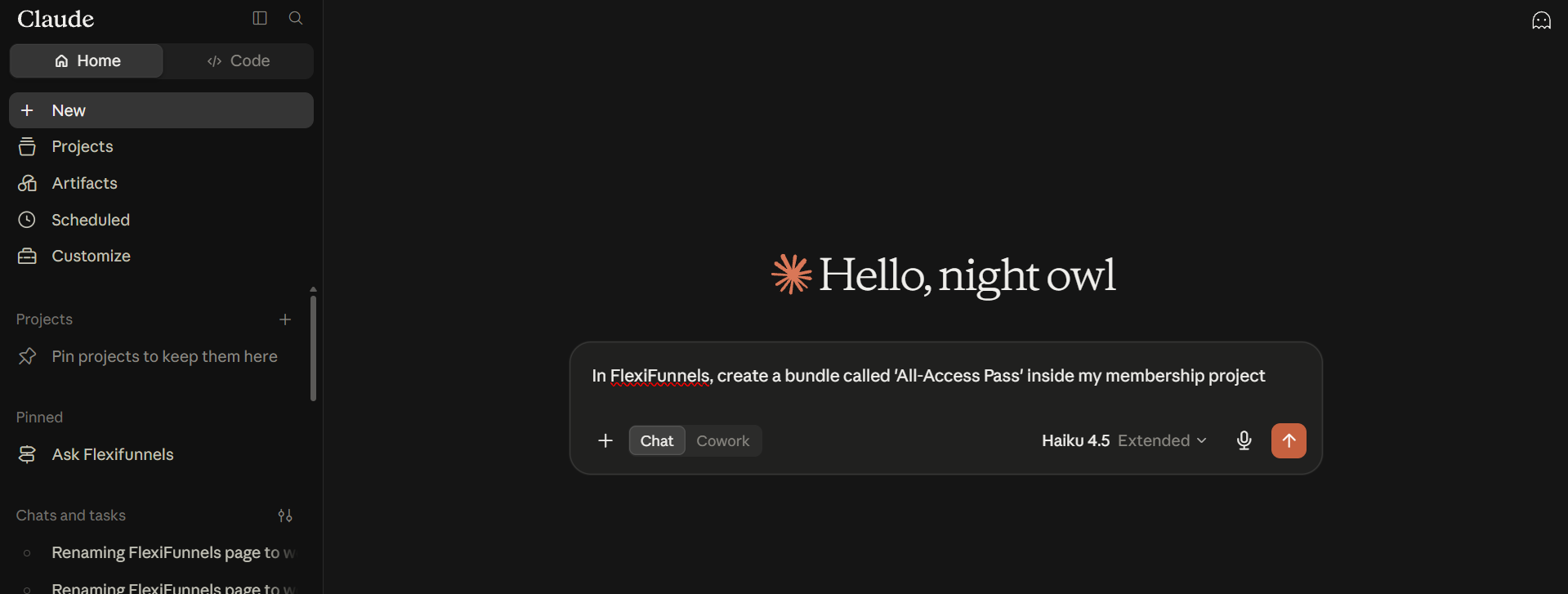
- Describe the bundle you want to create, and which membership project it belongs to.
Example Prompt: "In FlexiFunnels, create a bundle called 'All-Access Pass' inside my membership project."
Step 2: Assign a Course to the Bundle
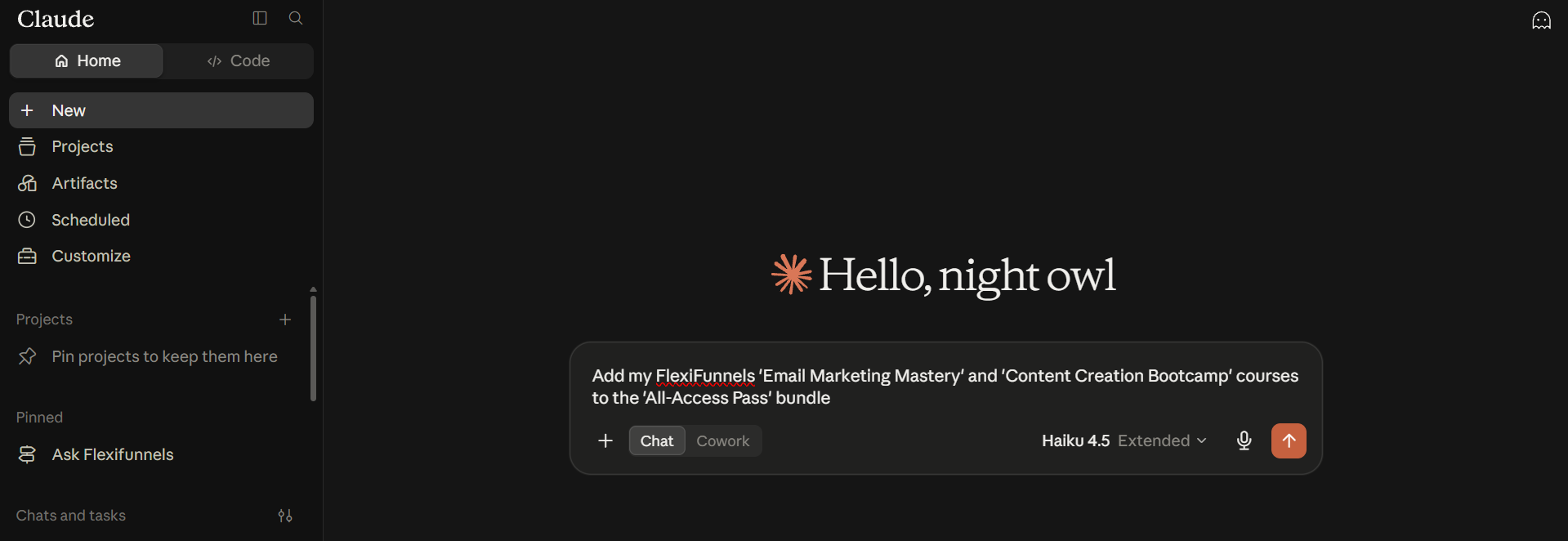
- Once a bundle exists, ask for specific courses to be added into it.
Example Prompt: "Add my FlexiFunnels 'Email Marketing Mastery' and 'Content Creation Bootcamp' courses to the 'All-Access Pass' bundle."
Step 3: Assign the Bundle to a Product
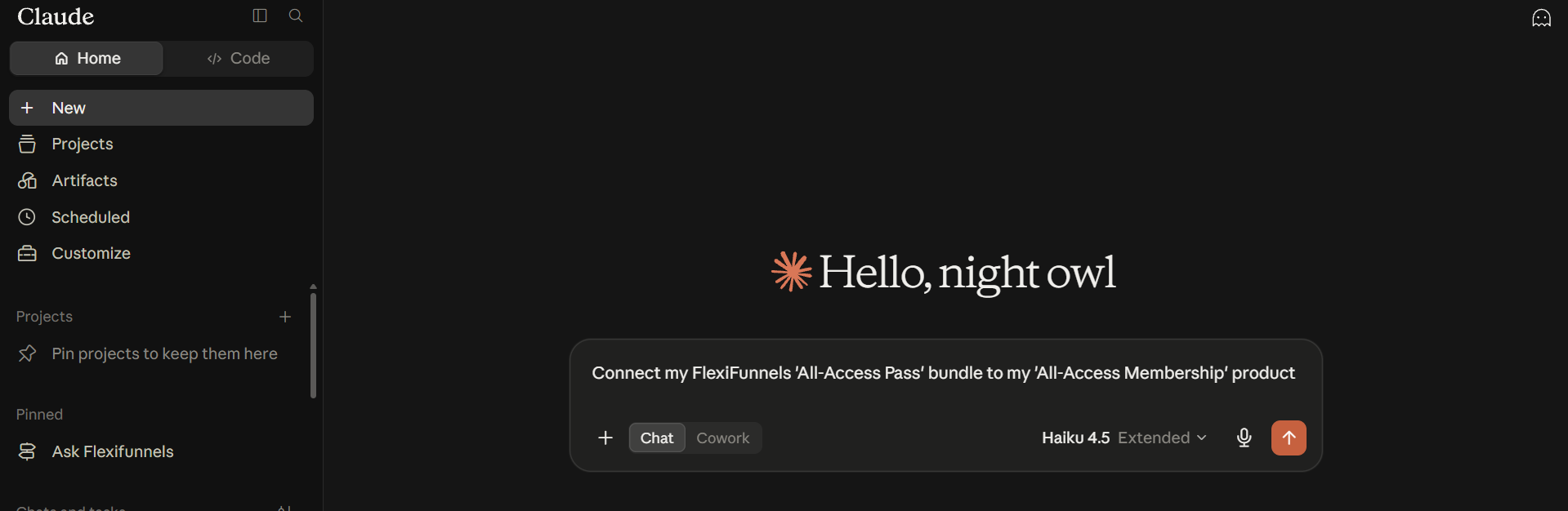
- Connect the bundle to the product that should unlock it when purchased.
Example Prompt: "Connect my FlexiFunnels 'All-Access Pass' bundle to my 'All-Access Membership' product."
Be Careful: If a bundle isn't connected to a product, customers won't automatically gain access to it after a purchase. Always confirm this connection before publishing the product.
Behind the Scenes — MCP Tools Involved
| Task | Related MCP Tool(s) |
|---|---|
| Create a bundle | create_bundle |
| Assign a course to a bundle | assign_course_to_bundle |
| Assign a module to a bundle | assign_module_to_bundle |
| Assign a bundle to a product | assign_product_to_bundles |
| View bundles in a project | list_bundles, list_project_bundles |
Good to Know: These are the same MCP tools used by Flexi Genie — Claude and ChatGPT simply give you a different chat interface to access them from.
Ready-to-Use Prompts
"In FlexiFunnels, create a bundle called 'VIP Bundle' inside my membership project."
"Add my FlexiFunnels 'Email Marketing Mastery' course to the 'VIP Bundle'."
"Connect my FlexiFunnels 'VIP Bundle' to my 'VIP Membership' product."
Tips for Better Results
- Mention "FlexiFunnels" explicitly if you have other connectors/plugins active in the same chat.
- Name your bundles clearly based on what they represent to avoid confusion later.
- If adding several courses to a bundle at once doesn't fully succeed, add them one at a time and confirm each addition.
Common Issues / Troubleshooting
Customer Purchased But Can't Access Bundle Content: Confirm the bundle is correctly connected to the product they purchased, and that the intended courses are assigned to that bundle.
Course Missing From a Bundle: Check whether the course was actually assigned to the bundle — creating a course does not automatically add it to any bundle.
Limitations / Important Notes
- A bundle only grants access to the courses/modules explicitly assigned to it.
- A bundle must be connected to a product for a purchase to actually unlock it — the two steps are separate.
Curious what else Flexi Genie and AI assistants can do inside FlexiFunnels? See the full Possibilities with Flexi Genie & AI Assistance reference document.
Was this article helpful?
That’s Great!
Thank you for your feedback
Sorry! We couldn't be helpful
Thank you for your feedback
Feedback sent
We appreciate your effort and will try to fix the article