How to connect lead forms to your email tools, set up webhooks, and manage email templates using Claude or ChatGPT, once connected via MCP.
Overview
Once a visitor fills out a form on your page, you'll usually want that information to flow somewhere — an email list, another tool, or an automated email response. Once Claude or ChatGPT is connected to your FlexiFunnels account via MCP, you can set this up directly from your chat.
This article covers:
- Setting up a webhook on a form
- Adding a new autoresponder (email service) integration
- Renaming or updating autoresponder integration details
- Creating, cloning, and updating email templates
- Attaching a digital asset (file) to a form for automatic delivery
Before You Begin
- Make sure FlexiFunnels is connected to Claude (as a Connector) or ChatGPT (as a Plugin). See Connecting Claude to FlexiFunnels via MCP or Connecting ChatGPT to FlexiFunnels via MCP if you haven't done this yet.
- Have your email service provider's API credentials ready if connecting a new autoresponder.
- Know the specific form and page you want to configure.
Step-by-Step: Common Email & Form Tasks
Step 1: Set Up a Webhook on a Form
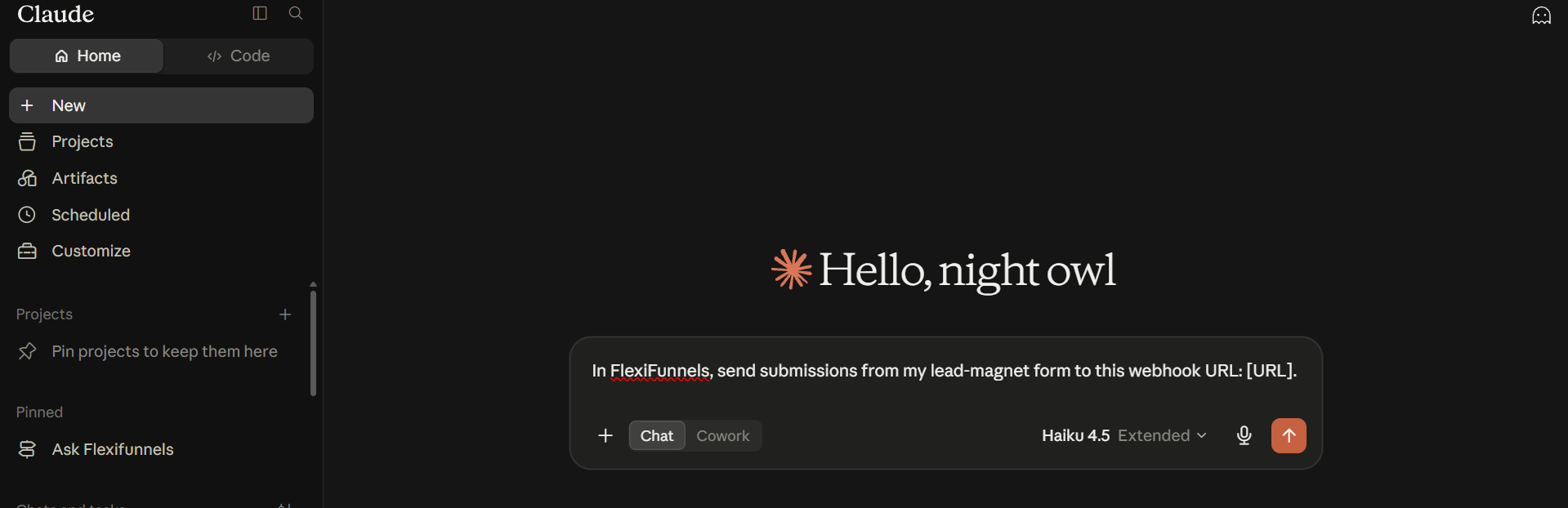
- Tell Claude or ChatGPT which form should send its submissions to a webhook, and provide the webhook URL.
Example Prompt: "In FlexiFunnels, send submissions from my lead-magnet form to this webhook URL: [URL]."
Step 2: Add a New Autoresponder Integration
- Connect a new email service provider using your API credentials.
Example Prompt: "Add my Mailchimp account as a new autoresponder in FlexiFunnels, using this API key: [key]."
Be Careful: Treat your API credentials like a password. Only share them in a secure context.
Step 3: Rename or Update an Autoresponder Connection
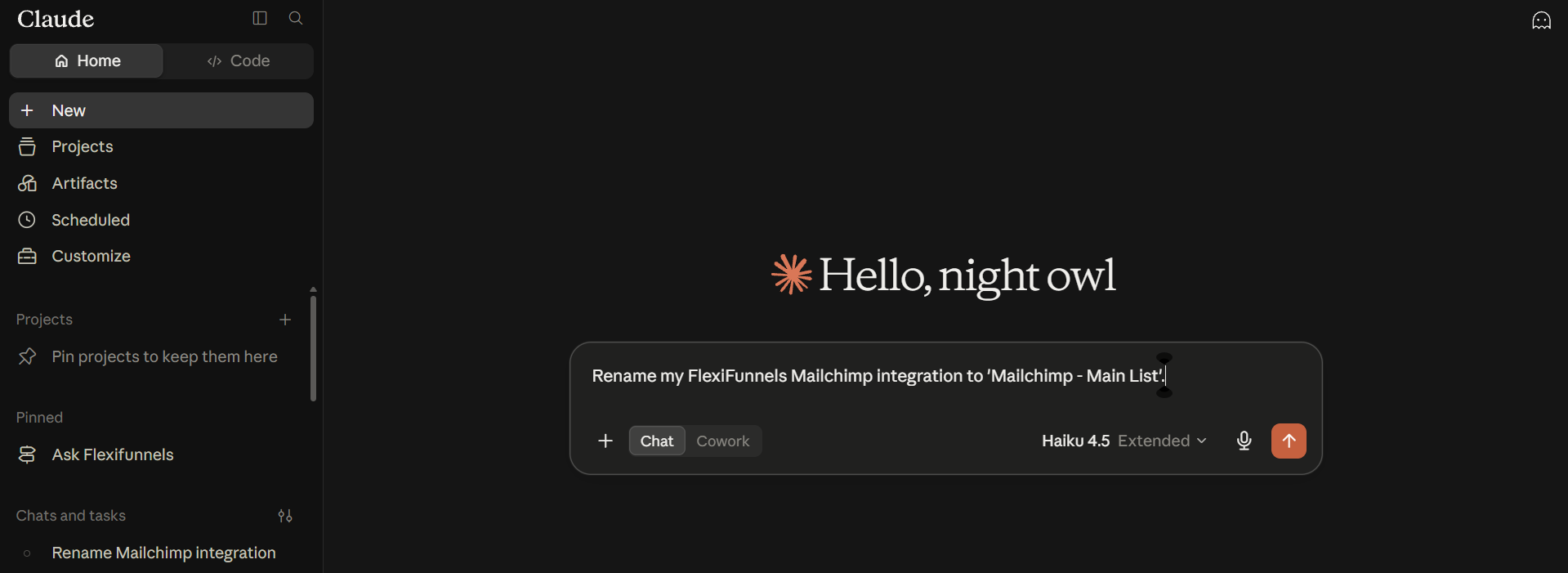
- Rename autoresponders for clarity if you have multiple connected.
Example Prompt: "Rename my FlexiFunnels Mailchimp integration to 'Mailchimp - Main List'. "
Step 4: Create, Clone, or Update an Email Template
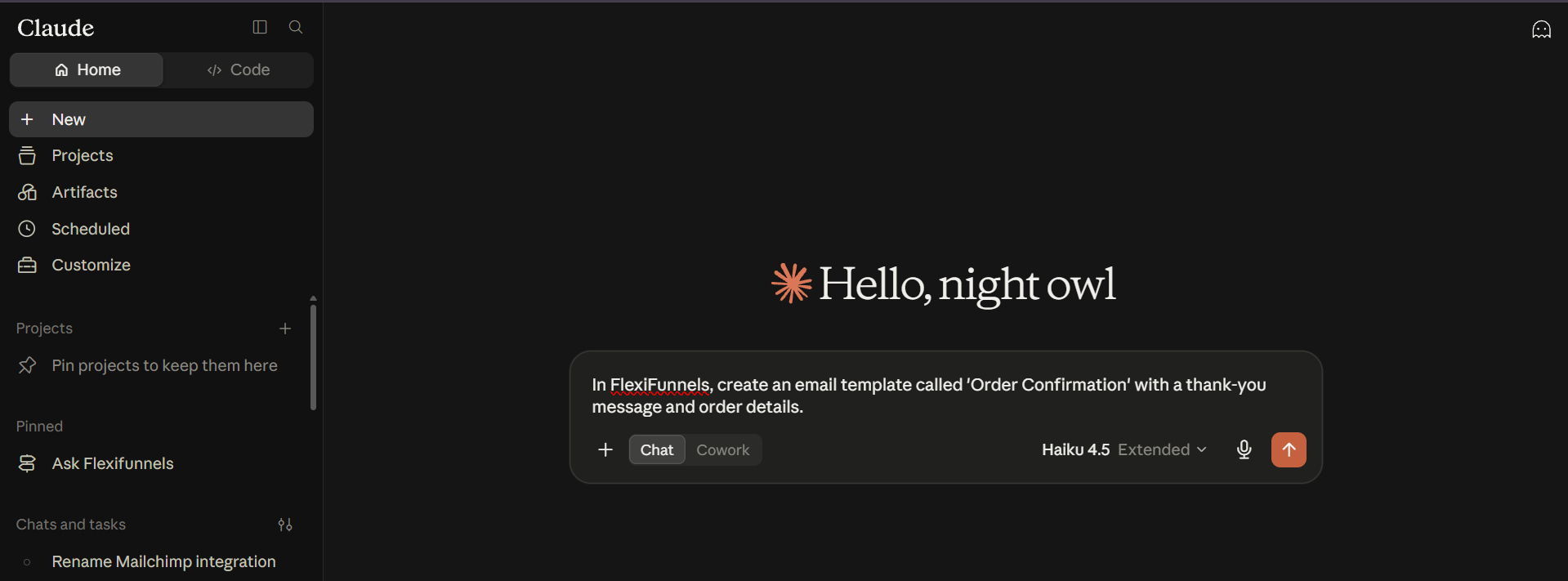
- Create a new saved email template, clone an existing one, or update the content of a template.
Example Prompt: "In FlexiFunnels, create an email template called 'Order Confirmation' with a thank-you message and order details."
Step 5: Attach a Digital Asset to a Form
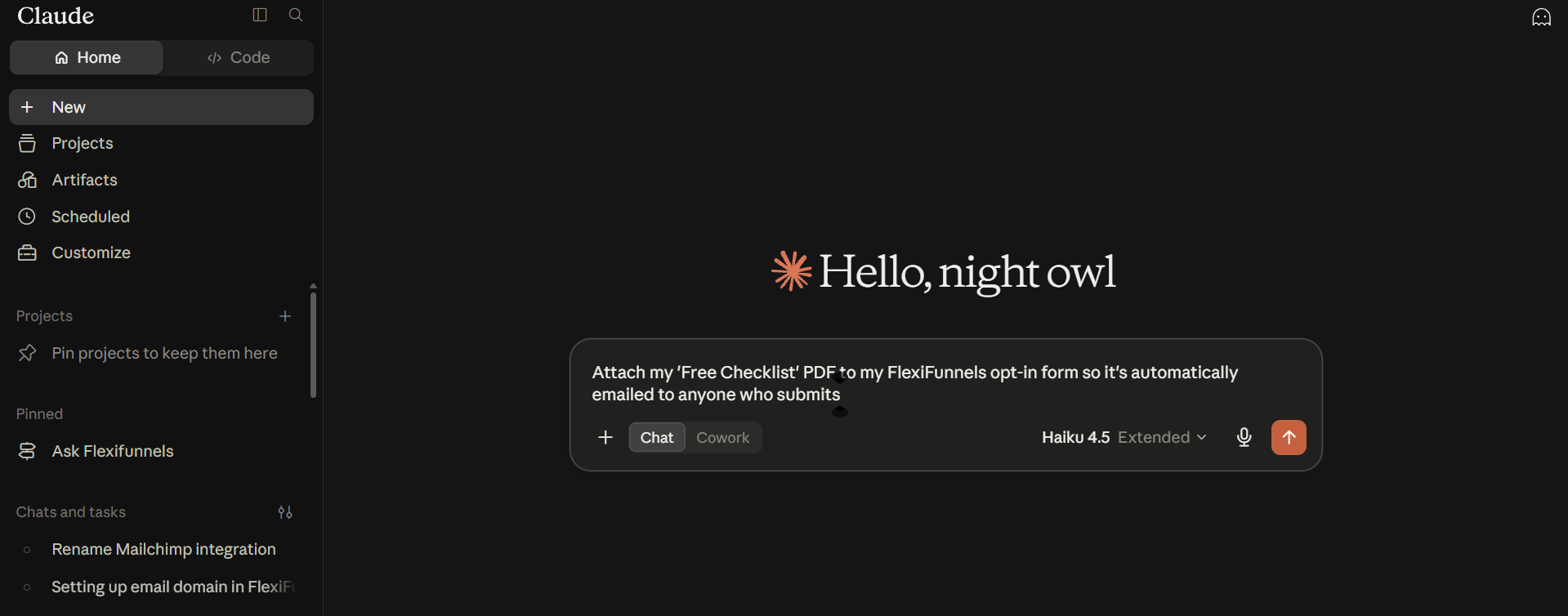
- Link a free download to your form so it's automatically emailed.
Example Prompt: "Attach my 'Free Checklist' PDF to my FlexiFunnels opt-in form so it's automatically emailed to anyone who submits."
Behind the Scenes — MCP Tools Involved
| Task | Related MCP Tool(s) |
|---|---|
| Connect a form to a webhook | connect_form_to_webhook |
| Add a new autoresponder | add_autoresponder |
| Rename an autoresponder | rename_autoresponder |
| Connect a form to an autoresponder | connect_form_to_autoresponder |
| Create an email template | create_email_template |
| Clone an email template | clone_email_template |
| Update an email template | update_email_template |
| Attach a digital asset to a form | link_asset_to_page_or_form |
Good to Know: These are the same MCP tools used by Flexi Genie — Claude and ChatGPT simply give you a different chat interface to access them from. Autoresponder and domain connections have been confirmed as fully supported via MCP; only the actual DNS record changes for a domain need to be done manually.
Ready-to-Use Prompts
"Connect my FlexiFunnels webinar registration form to my ActiveCampaign welcome list."
"Create a FlexiFunnels email template for delivering my free ebook after opt-in."
"Show me all my connected FlexiFunnels autoresponders."
Tips for Better Results
- Mention "FlexiFunnels" explicitly if you have other connectors/plugins active in the same chat.
- Double-check which list a form is connected to, especially if you run multiple lead magnets into different lists.
- Test a form submission after setting up a new connection, to confirm data is flowing correctly.
Common Issues / Troubleshooting
Leads Not Appearing in Email List: Confirm the form is connected to the correct autoresponder and list, and that the API credentials used are still valid.
Digital Asset Not Being Delivered: Check that the asset is correctly linked to the form, and that an appropriate email template is set up.
Limitations / Important Notes
- Connecting a form to an autoresponder requires the autoresponder integration to already be set up at the account level.
- API credentials for autoresponders should be kept secure and updated if your email service provider issues new keys.
Curious what else Flexi Genie and AI assistants can do inside FlexiFunnels? See the full Possibilities with Flexi Genie & AI Assistance reference document.
Was this article helpful?
That’s Great!
Thank you for your feedback
Sorry! We couldn't be helpful
Thank you for your feedback
Feedback sent
We appreciate your effort and will try to fix the article