How to build multi-step funnels, review their structure, reorder steps, and add new steps using Claude or ChatGPT, once connected via MCP.
Overview
A funnel is a connected sequence of pages that guides a visitor from first contact to purchase. Once Claude or ChatGPT is connected to your FlexiFunnels account via MCP, you can build, review, and adjust these sequences directly from your chat.
This article covers:
- Creating a new funnel
- Viewing a funnel's structure
- Viewing the sequence/order of pages in a funnel
- Reordering the pages/steps inside a funnel or project
- Adding new steps to an existing funnel
Before You Begin
- Make sure FlexiFunnels is connected to Claude (as a Connector) or ChatGPT (as a Plugin). See Connecting Claude to FlexiFunnels via MCP or Connecting ChatGPT to FlexiFunnels via MCP if you haven't done this yet.
- Have a clear picture of your funnel flow in mind before asking.
- If adding to an existing funnel, know its name so it can be located.
Step-by-Step: Common Funnel Tasks
Step 1: Create a New Funnel
- Describe the full funnel flow you want — the main offer and any upsells, downsells, or order bumps.
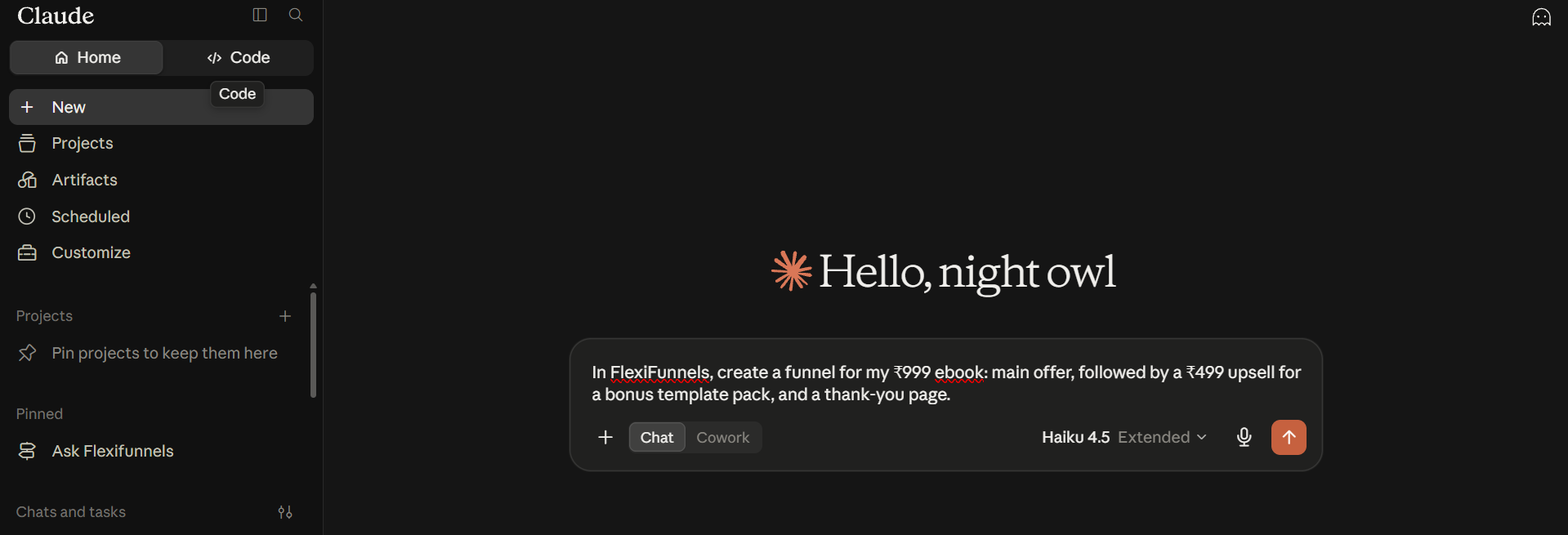
Example Prompt: "In FlexiFunnels, create a funnel for my ₹999 ebook: main offer, followed by a ₹499 upsell for a bonus template pack, and a thank-you page."
Step 2: View a Funnel's Structure
- Ask to see how a funnel is currently built — useful before making changes to an existing funnel.
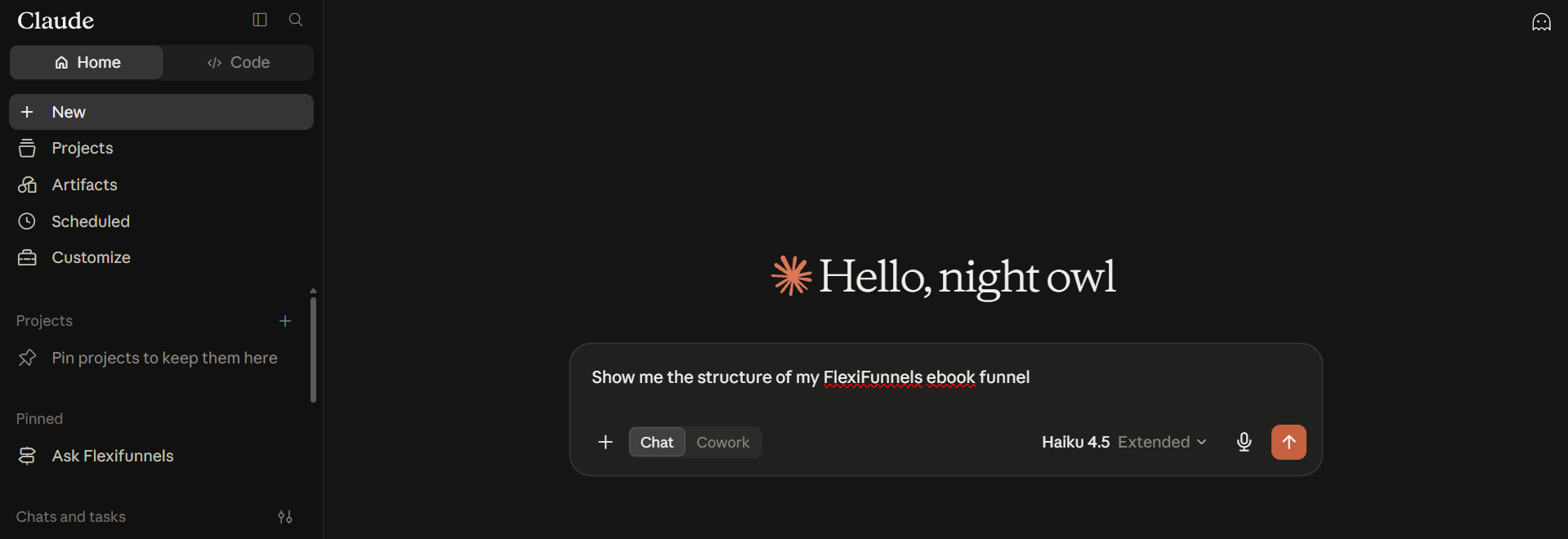
Example Prompt: "Show me the structure of my FlexiFunnels ebook funnel."
Step 3: View the Funnel Sequence
- This shows the exact order pages appear to a visitor.
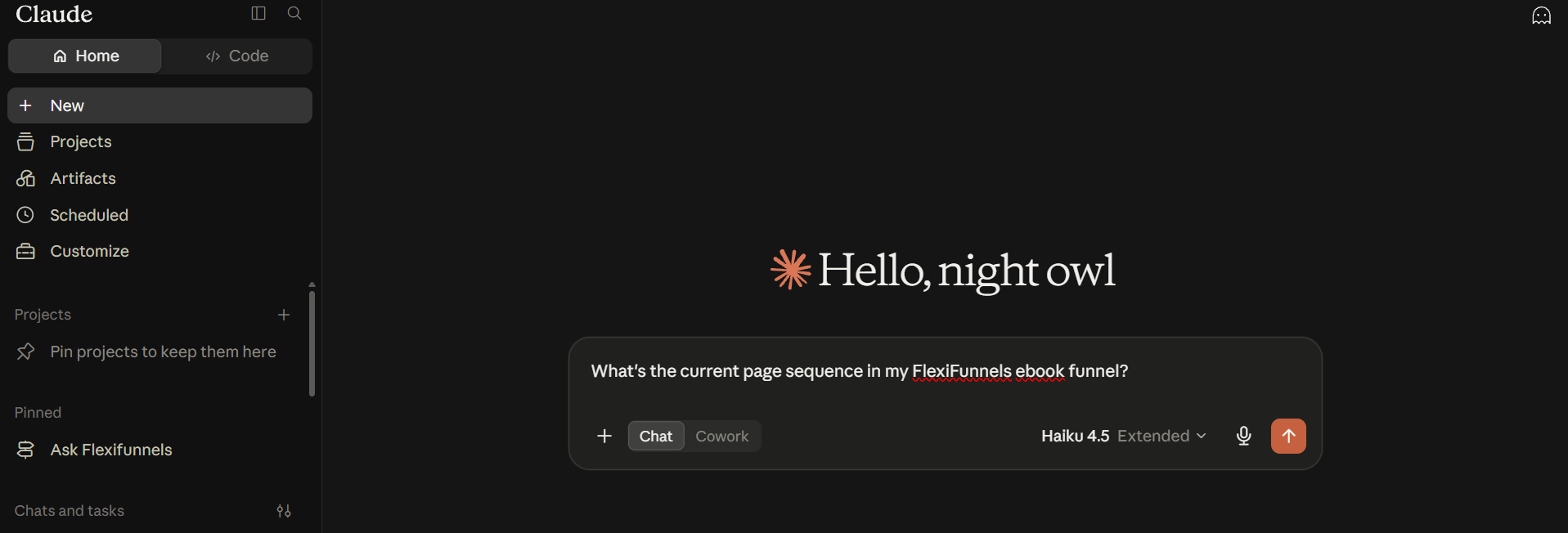
Example Prompt: "What's the current page sequence in my FlexiFunnels ebook funnel?"
Step 4: Reorder Funnel Steps
- If the order of your pages needs to change, describe the new order you want.
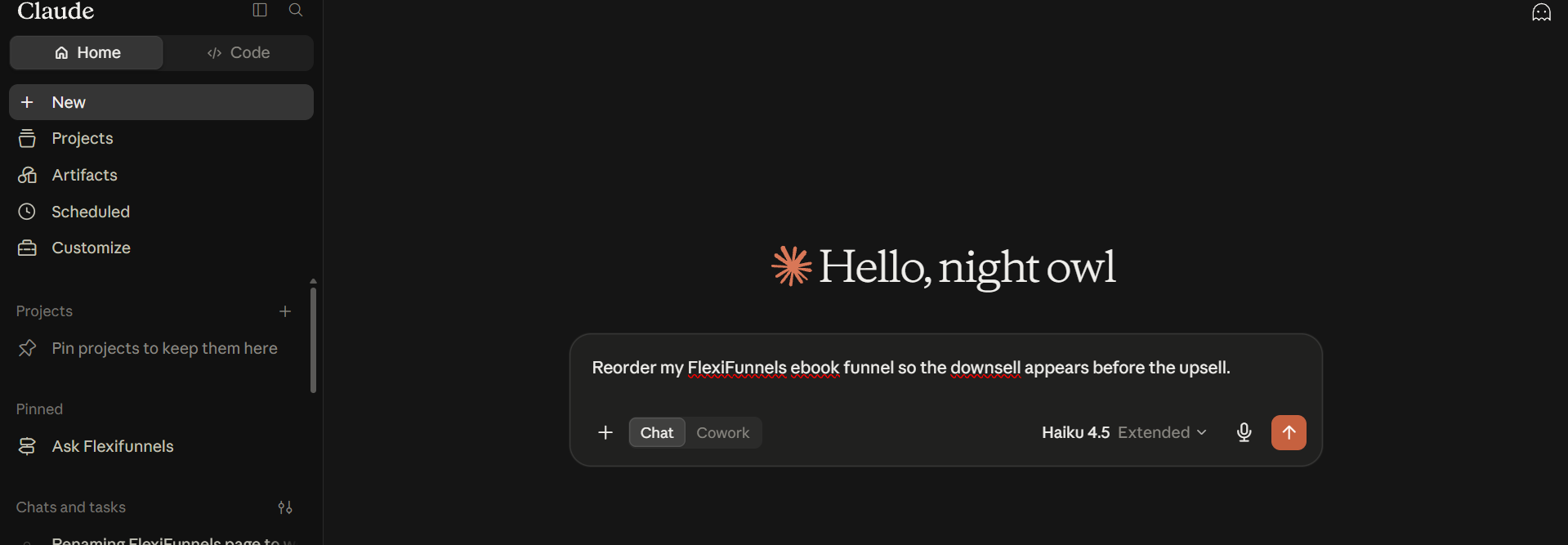
Example Prompt: "Reorder my FlexiFunnels ebook funnel so the downsell appears before the upsell."
Be Careful: Reordering a live funnel changes what visitors see immediately after publishing. Review the new sequence carefully before confirming.
Step 5: Add New Steps to an Existing Funnel
- Extend an existing funnel by adding a new upsell/downsell pair or another step.
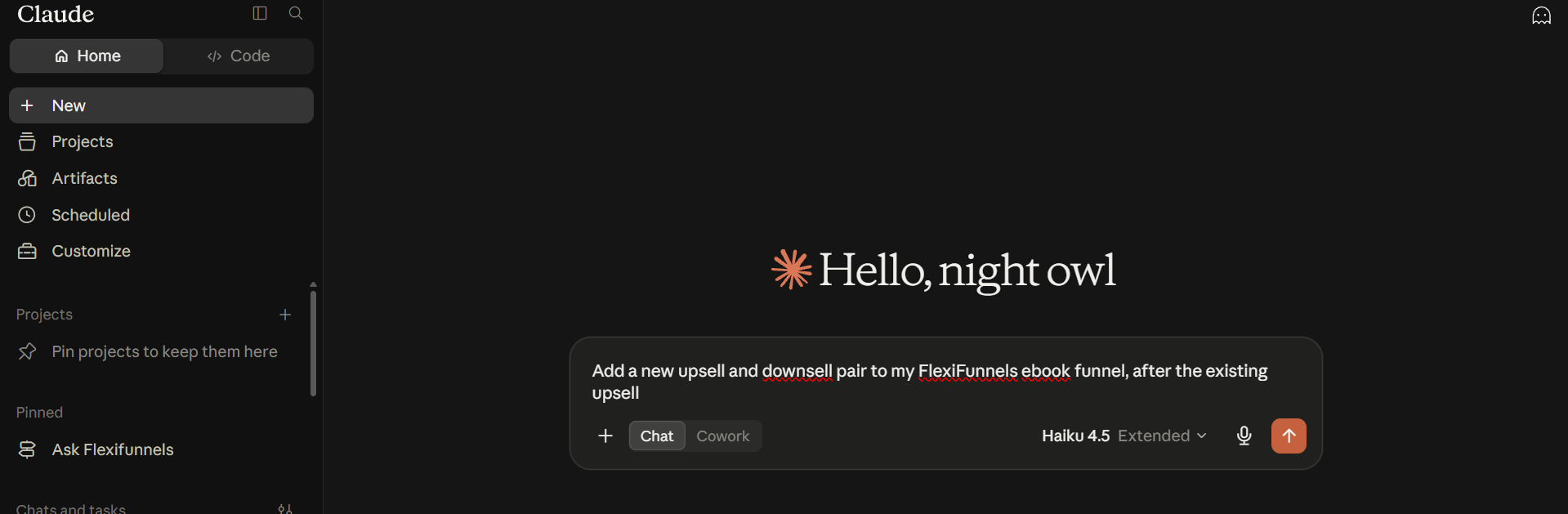
Example Prompt: "Add a new upsell and downsell pair to my FlexiFunnels ebook funnel, after the existing upsell."
Behind the Scenes — MCP Tools Involved
| Task | Related MCP Tool(s) |
|---|---|
| Create a funnel | create_funnel |
| View funnel structure | get_funnel_structure |
| View funnel sequence | get_funnel_sequence |
| Reorder funnel/project pages | reorder_funnel_pages |
| Add steps to a funnel | add_funnel_step |
| List funnels in your account | get_funnels |
Good to Know: These are the same MCP tools used by Flexi Genie — Claude and ChatGPT simply give you a different chat interface to access them from.
Ready-to-Use Prompts
"In FlexiFunnels, create a funnel for my coaching offer: application page, booking page, and a thank-you page."
"Show me the current structure of my FlexiFunnels coaching funnel."
"Add an order bump to my FlexiFunnels coaching funnel's main offer page."
Tips for Better Results
- Mention "FlexiFunnels" explicitly if you have other connectors/plugins active in the same chat.
- Describe your funnel flow in the order you want visitors to move through it, to keep the request unambiguous.
- Review a funnel's structure before reordering it, so you know exactly what's changing.
Common Issues / Troubleshooting
Visitors Not Seeing Steps in the Expected Order: Check the funnel's current sequence to confirm the live order matches what you intended, and republish if changes were made but not yet live.
New Step Not Appearing in the Funnel: Confirm the new step was actually added to the funnel and that the funnel has been republished.
Limitations / Important Notes
- Reordering or adding steps to a funnel affects the live visitor experience once published.
- A funnel's structure and its page sequence are related but distinct views.
Curious what else Flexi Genie and AI assistants can do inside FlexiFunnels? See the full Possibilities with Flexi Genie & AI Assistance reference document.
Was this article helpful?
That’s Great!
Thank you for your feedback
Sorry! We couldn't be helpful
Thank you for your feedback
Feedback sent
We appreciate your effort and will try to fix the article