Overview
The Rewards section displays achievements, unlockable rewards, and badges earned through participation within the membership.
As you earn points, additional rewards may become available.
Opening Rewards
Navigate to:
More → Rewards
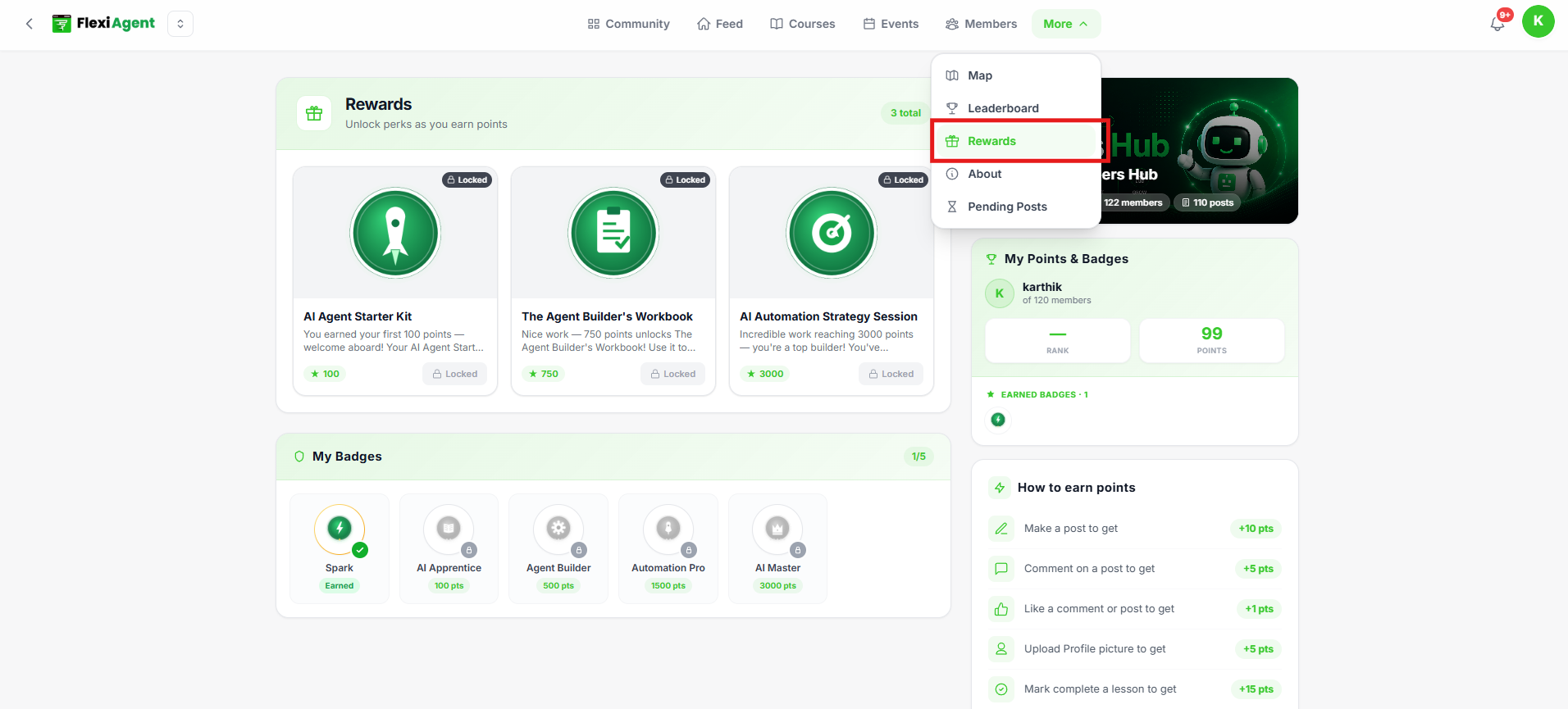
Rewards
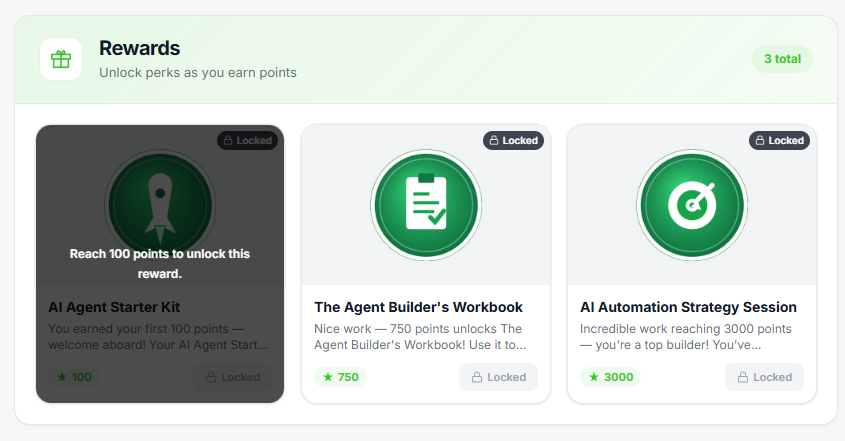
The Rewards section lists all rewards configured for the membership.
Depending on the membership, rewards may include:
- Unlockable content
- Special access
- Achievement rewards
- Recognition milestones
If no rewards have been configured, an empty state message is displayed.
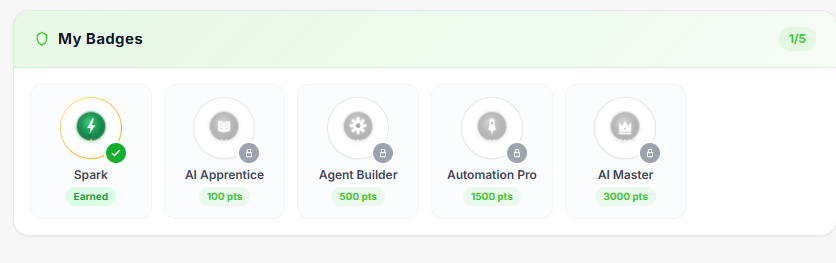
My Badges
The My Badges section displays badges you have earned.
Badges may represent:
- Course completion
- Milestones
- Community participation
- Special achievements
If you haven't earned any badges yet, the page displays an empty state.
Tips
- Participate regularly to unlock rewards.
- Complete courses and community activities to earn badges.
- Continue earning points to qualify for future achievements.
Note: Rewards and badges are available only if they have been configured by the membership owner.
Was this article helpful?
That’s Great!
Thank you for your feedback
Sorry! We couldn't be helpful
Thank you for your feedback
Feedback sent
We appreciate your effort and will try to fix the article